"Infinity Nikki: Ways to Alter Skin Tone"
Author: Simon
Apr 24,2025


Did you know that in Infinity Nikki, you can not only change your character's hairstyle and outfits but also their skin color? This feature allows you to personalize your avatar completely free of charge and in just a few simple steps. In this article, we'll guide you through the process of changing your character's skin color.
Once you've logged into the game and are ready to dive into customization, start by pressing the C key. This action will open the wardrobe selection window. You might wonder why you're starting in the outfits section, but don't worry—the skin customization feature is cleverly nestled within this menu.
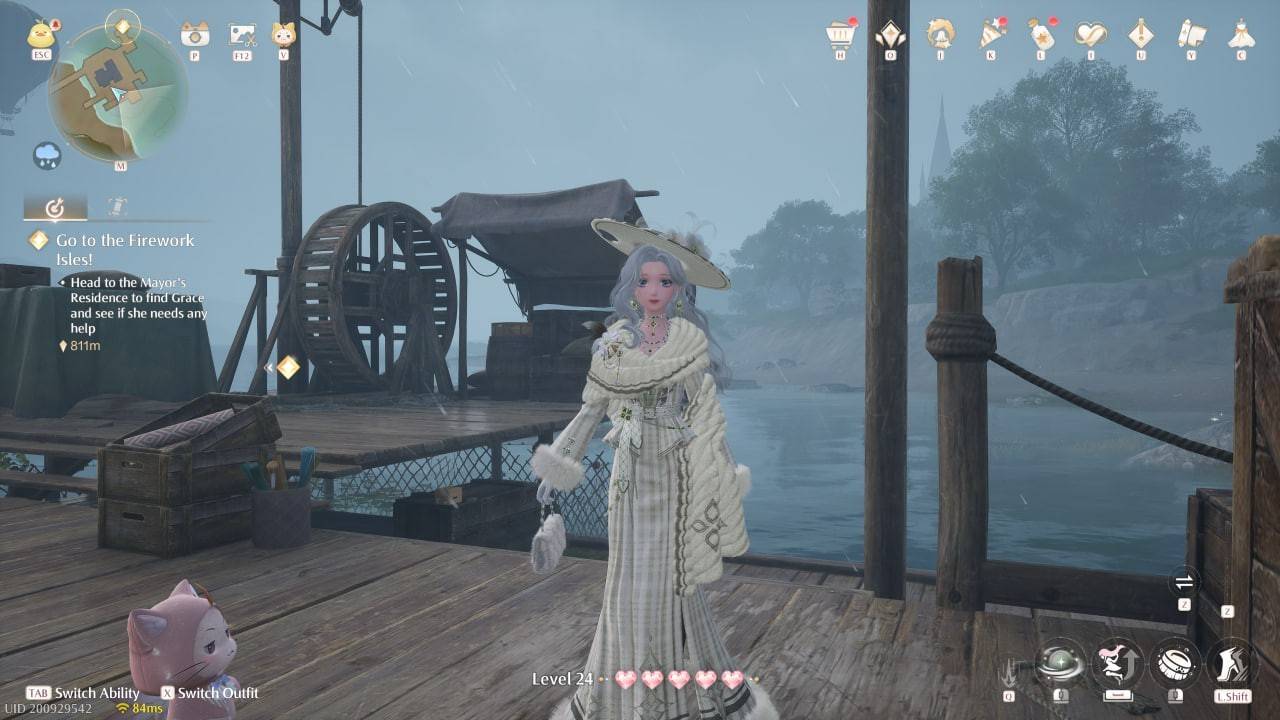 Image: ensigame.com
Scroll through the icons on the right side of the menu until you reach the section marked with powder and lipstick, which is the cosmetics category. Click on this icon to proceed.
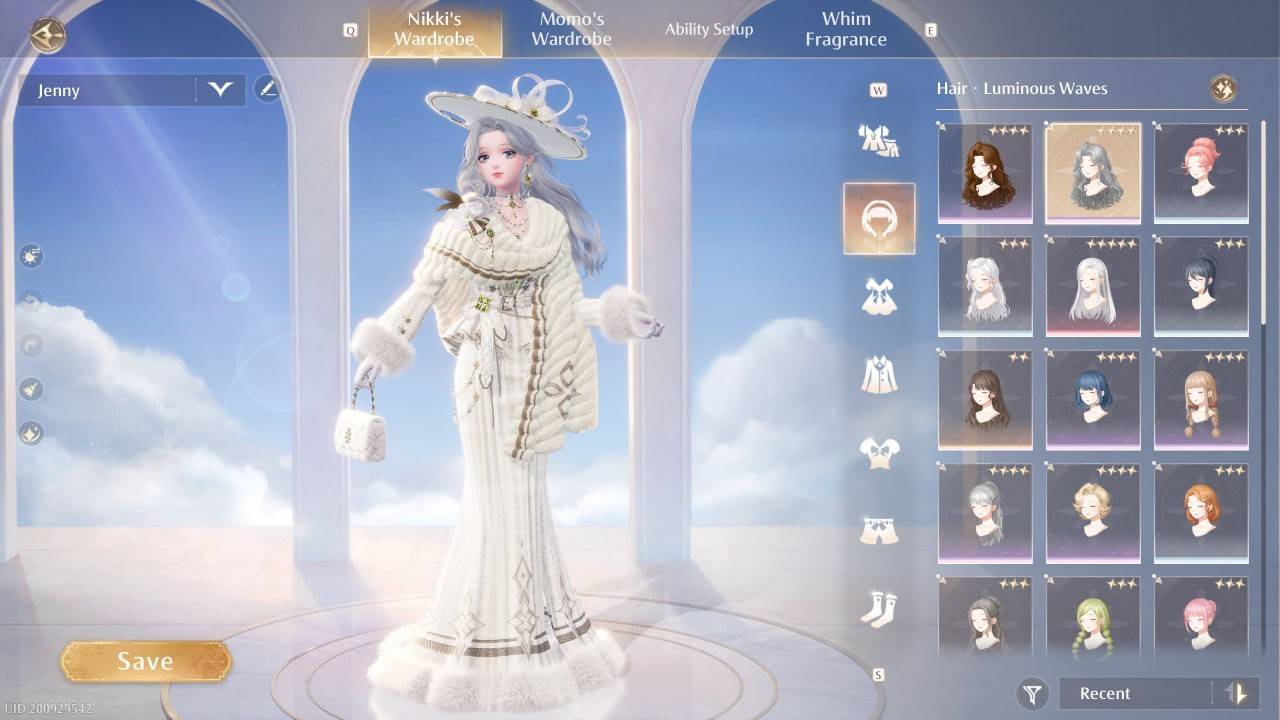 Image: ensigame.com
A small submenu will appear. Here, you need to locate the icon of a little figure. Once you find it, click on it to access the skin color options.
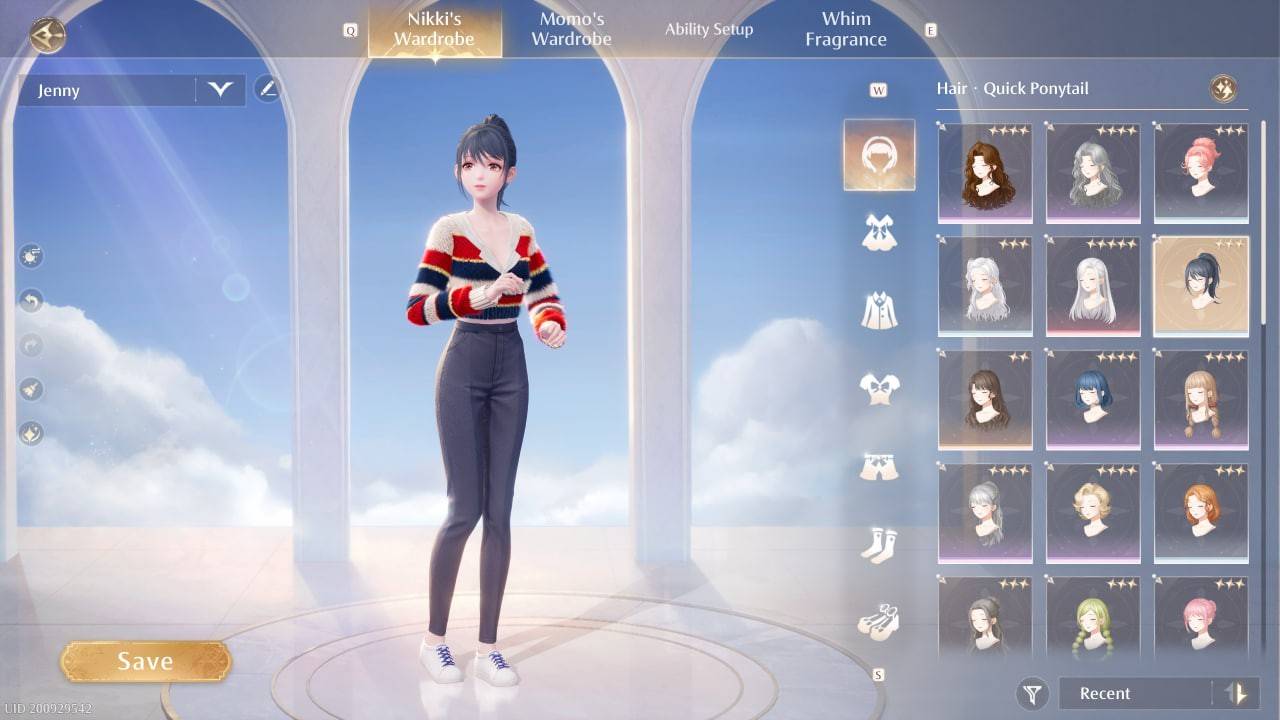 Image: ensigame.com
You'll be presented with three skin tone options. While the selection might seem limited at the moment, there's hope that the developers will expand these choices in future updates.
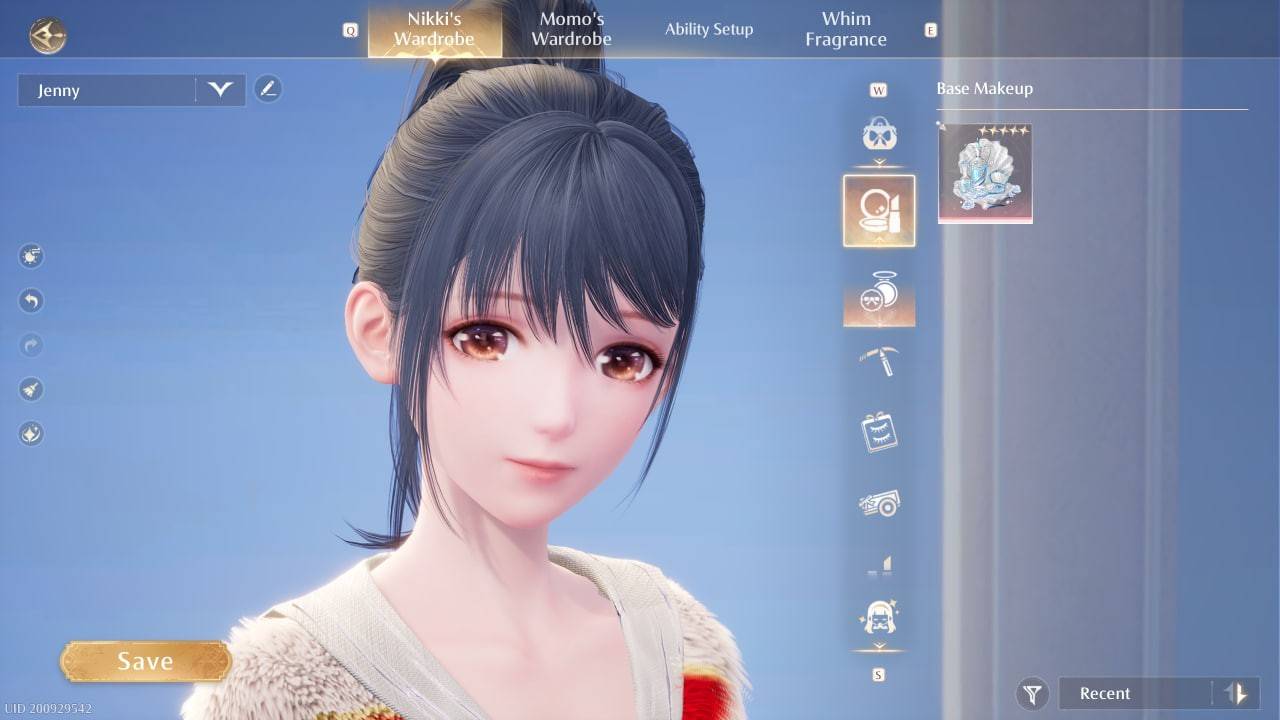 Image: ensigame.com
Choose the skin tone that you like the most and don't forget to click the Save button to apply your changes. Without saving, your new skin color won't take effect.
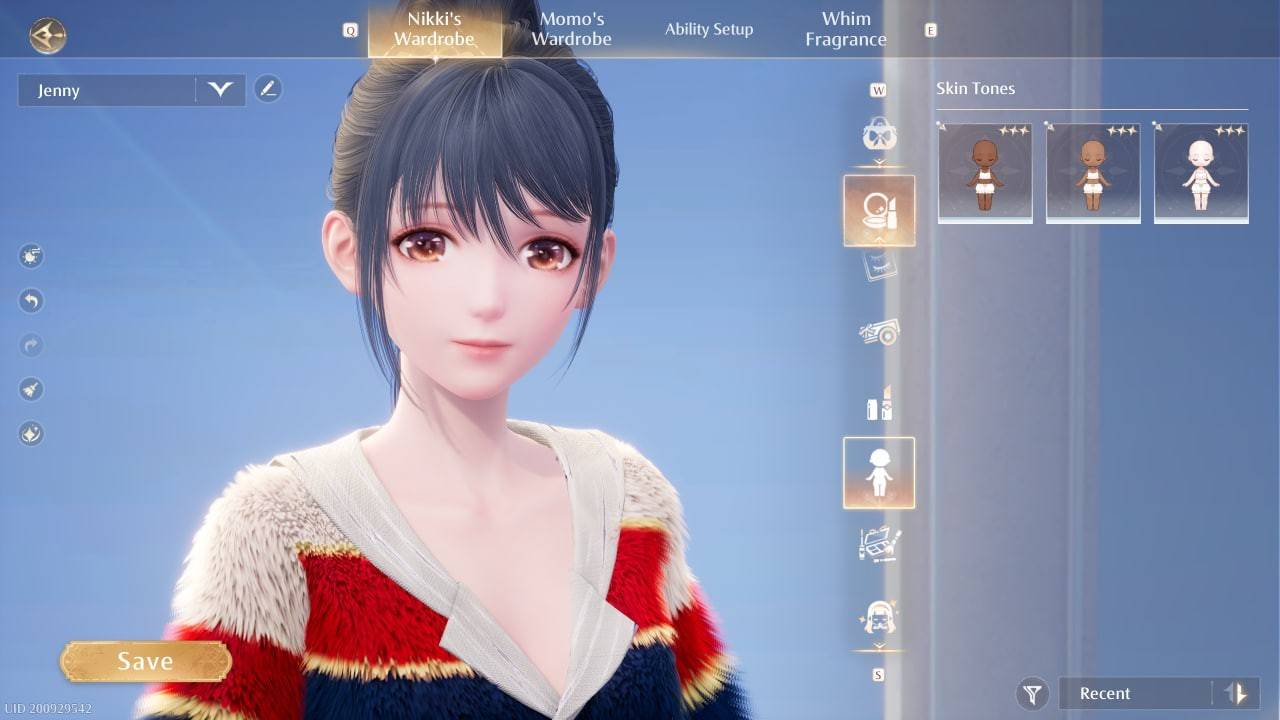 Image: ensigame.com
After saving, your updated character is ready to explore the world and embark on new quests with their fresh look.
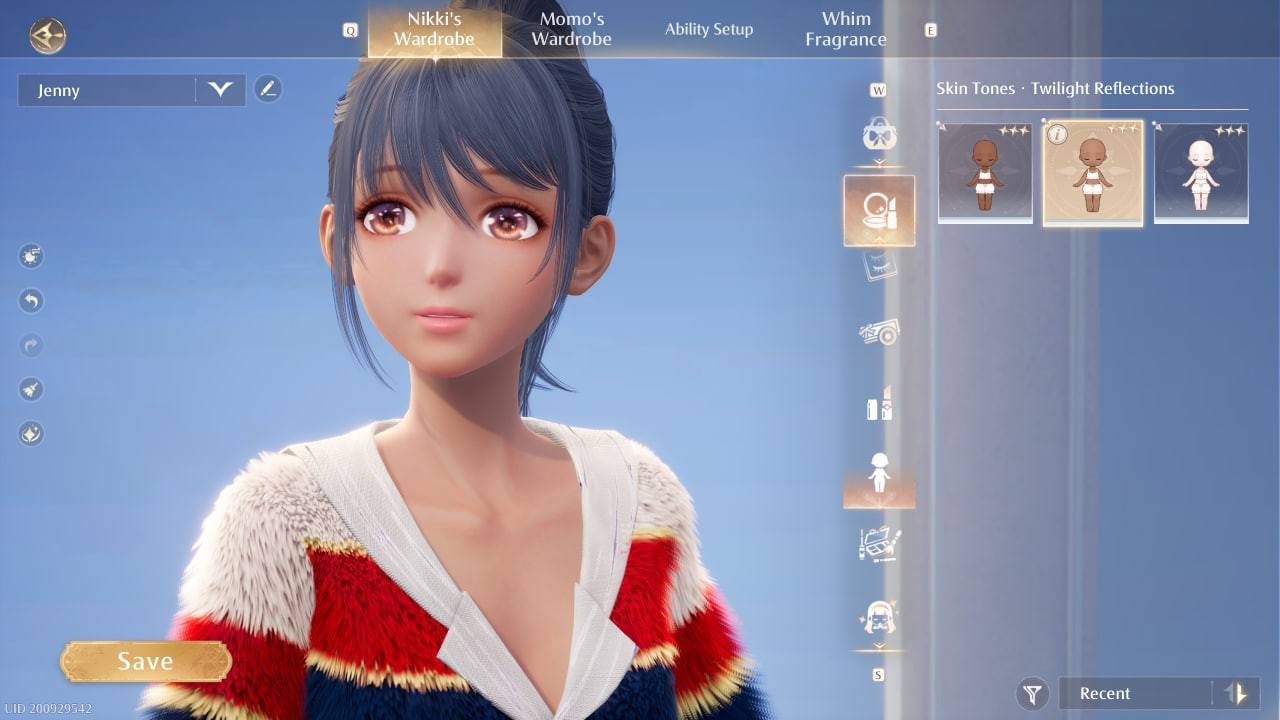 Image: ensigame.com
Now that you know how to change Nikki's skin color, you can enjoy a quick and easy process that doesn't require any additional spending!
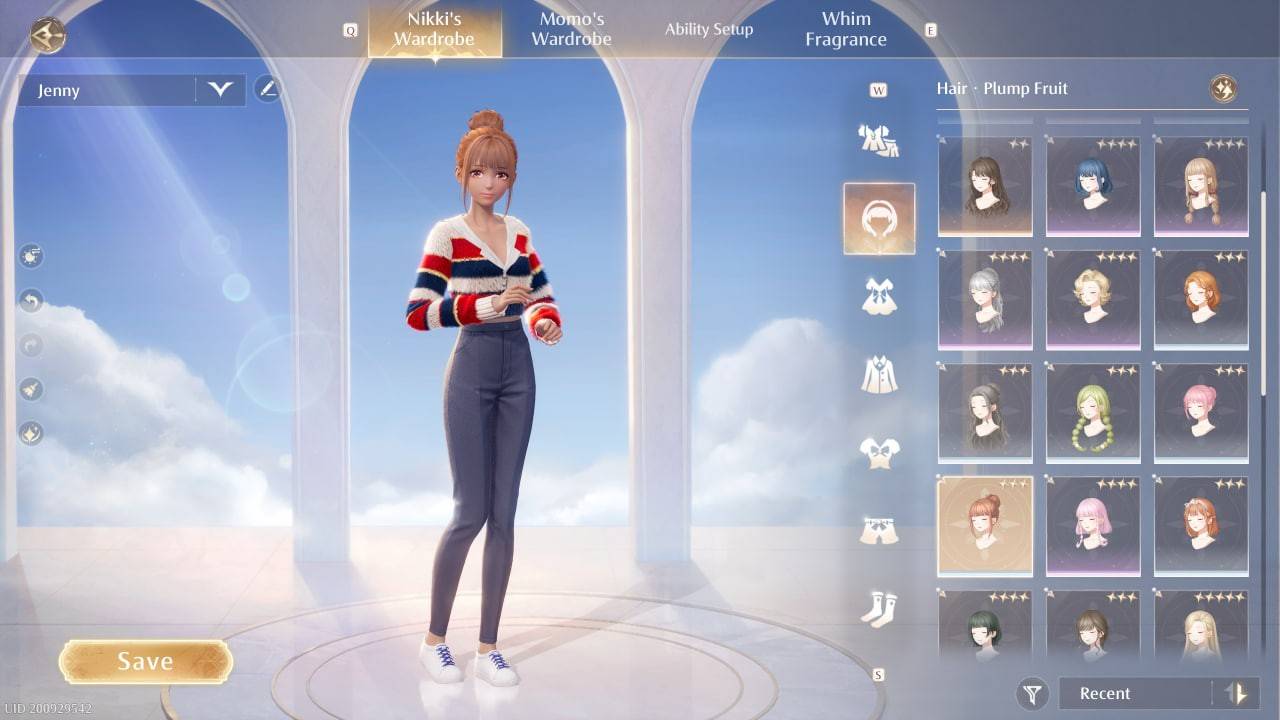 Image: ensigame.com