

アプリケーションの説明
Here's a clear, concise summary of FX File Explorer (v9.0.1.2) — perfect for sharing, reviewing, or using as a feature overview:
📱 FX File Explorer – Powerfully Simple File Management for Android
Experience a fast, secure, and ad-free file explorer built for privacy, performance, and ease of use. Designed with a modern Material Design interface and powerful tools, FX makes managing files and media on your phone or tablet feel just like working on a desktop.
🔑 Key Features
🌐 Seamless File Transfers
- SMBv2 Support: Connect reliably to networked drives and PCs.
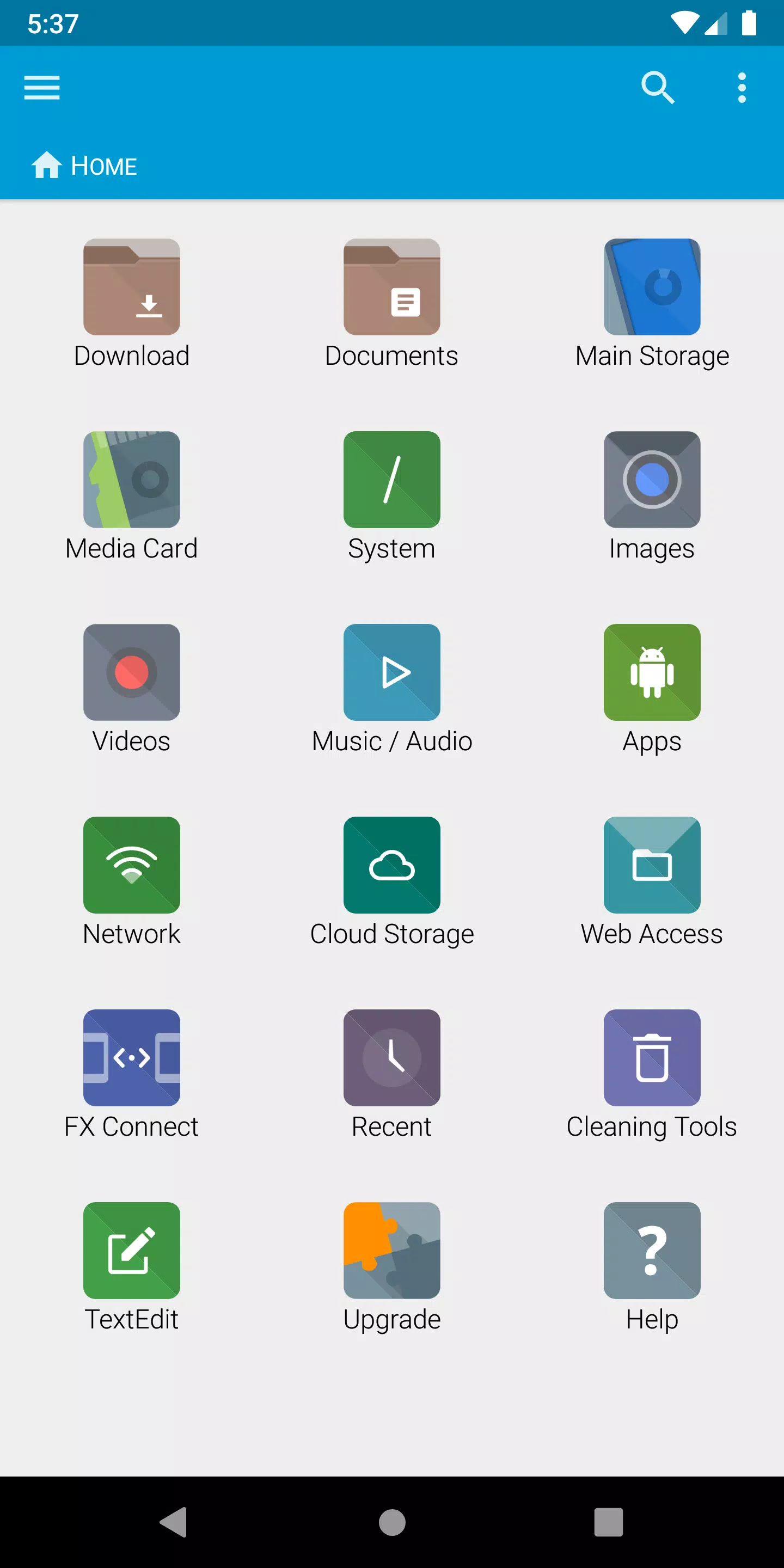
- FX Connect (Requires FX+): Transfer files instantly between phones using Wi-Fi Direct. Tap two NFC-enabled devices together to pair — fast, private, and local.
- Web Access (Requires FX+): Control your device from any computer via browser. Drag & drop folders, stream music, and manage files over Wi-Fi — no cables, no clouds.
🧩 Smart & Intuitive Navigation
- Customizable Home Screen: Pin favorite folders, media, and cloud accounts for one-tap access.
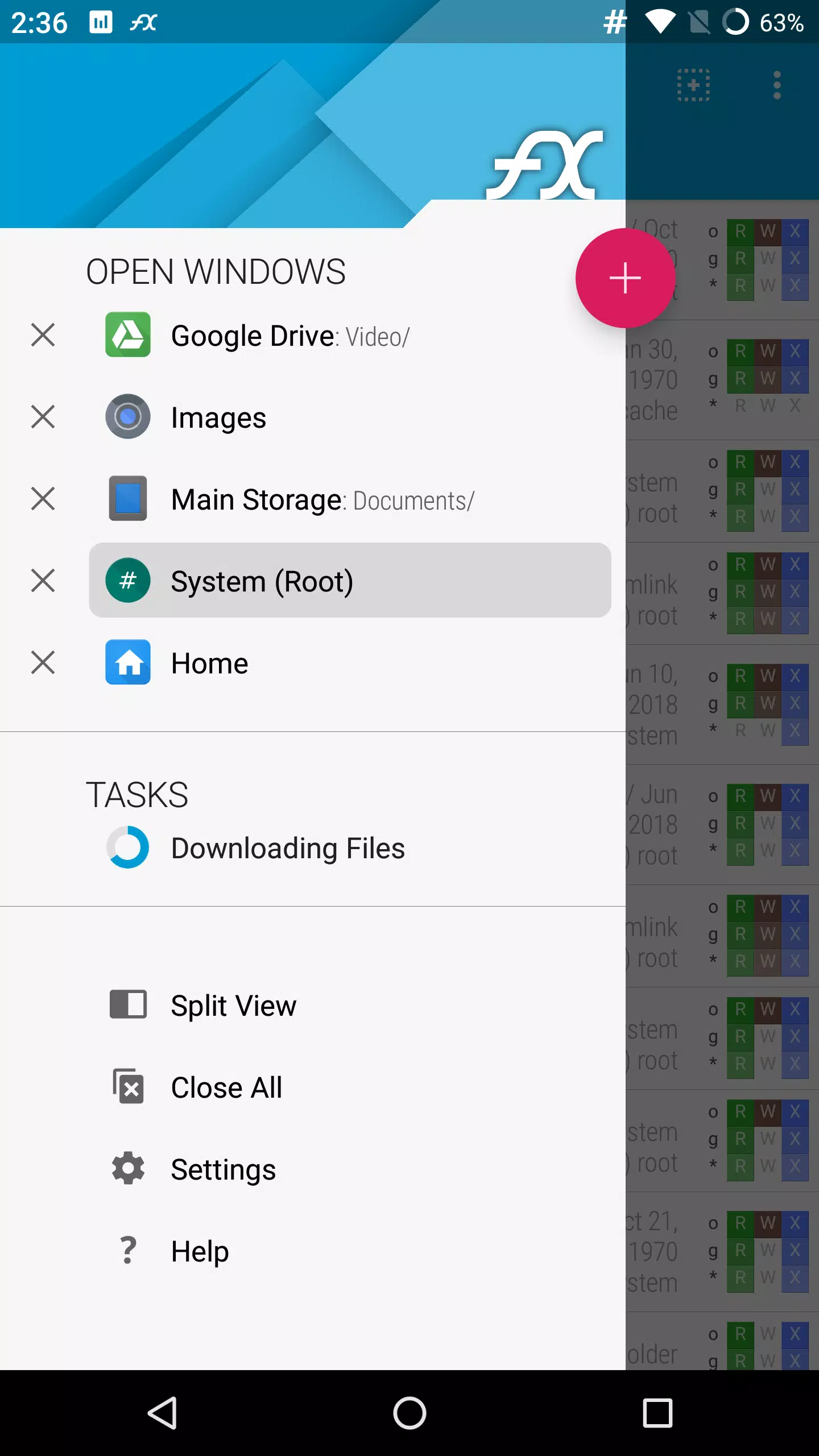
- Dual-View Multi-Window: Browse two folders side-by-side for effortless file moves and comparisons.
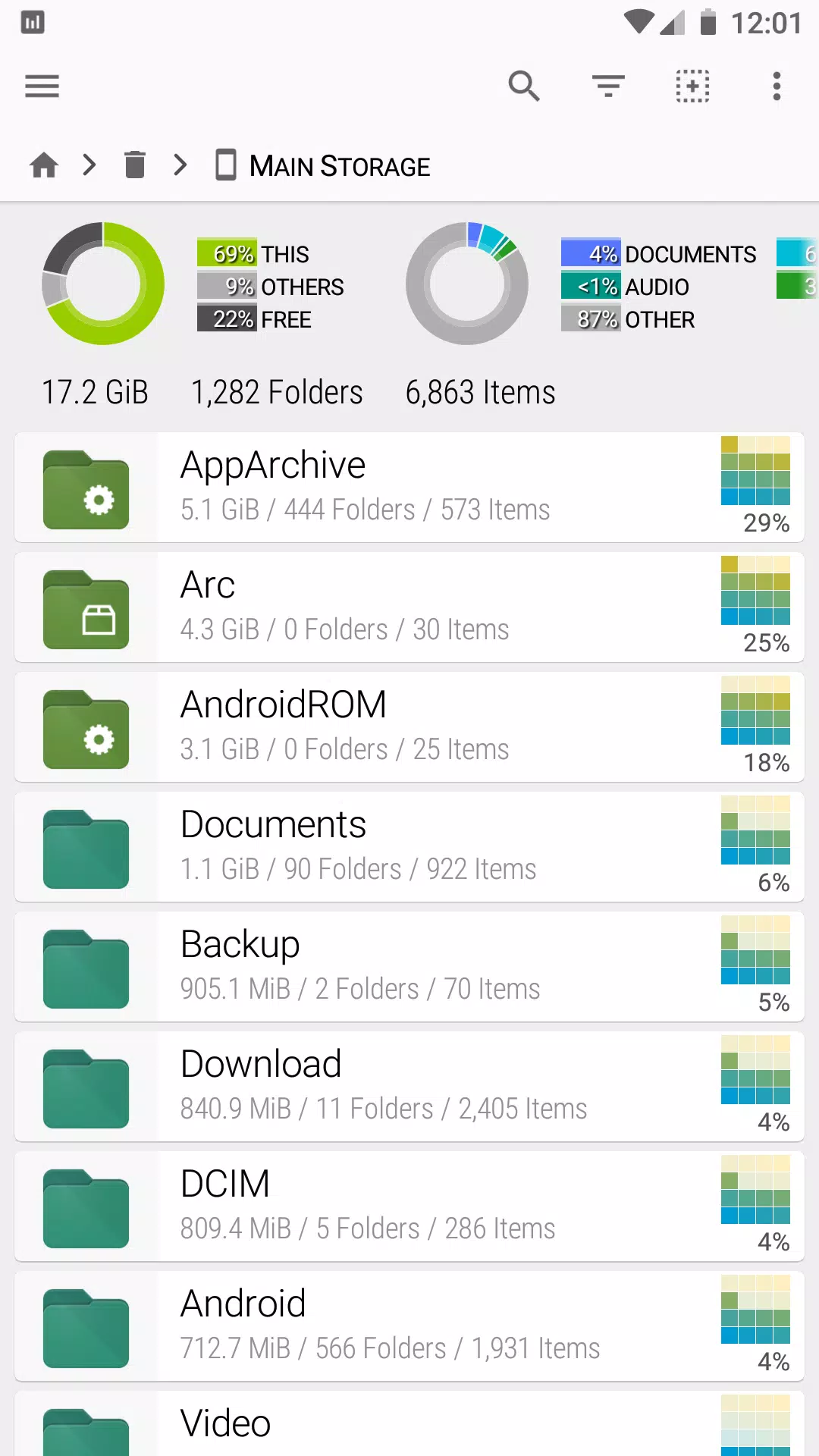
- Usage View: See folder size breakdowns and total storage usage in real time.
- Support for 20+ Archive Formats: Extract and create ZIP, RAR, 7ZIP, TAR, GZIP, BZIP2, and more — including encrypted ZIPs with AES-256/128.
🎨 Built-In Tools & Media Management
- Text Editor: Full editing with undo/redo, search, pinch-to-zoom, and copy/paste.
- Binary (Hex) Viewer: Inspect raw files with ease.
- Image Viewer: View photos with zoom and rotation.
- Media Player: Play audio and video with pop-up controls.
- Shell Script Executor: Run custom scripts for advanced automation.
🔐 Privacy-First Design
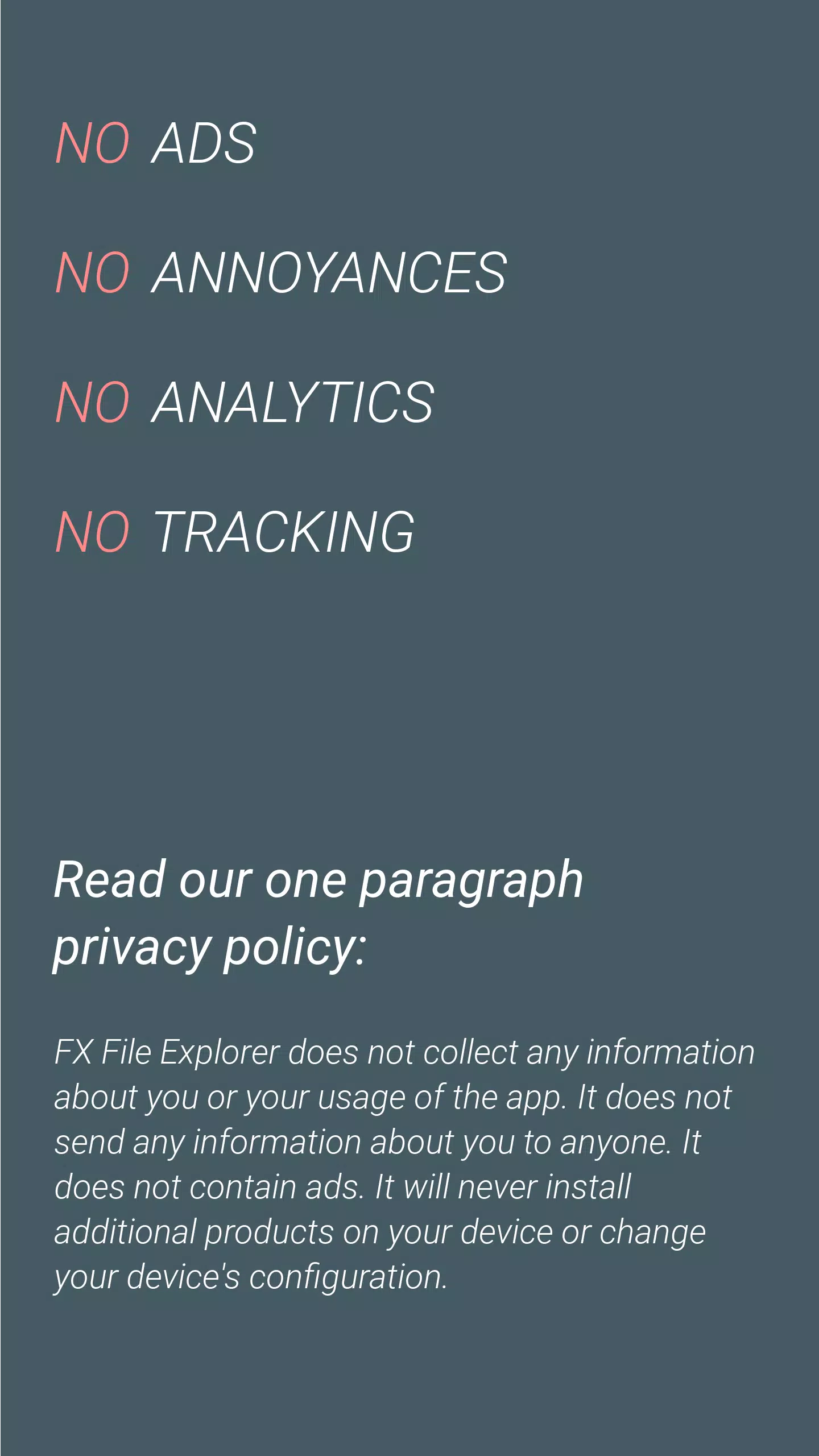
- ✅ Zero Ads – No banners, no interruptions.
- ✅ No Tracking – We never collect, store, or transmit your data.
- ✅ Proprietary Code – Developed in-house by NextApp, Inc., a U.S.-based company since 2002.
☁️ Expand with FX+ Add-On (Optional)
- Network Access: FTP, SFTP, WebDAV, and Windows Networking (SMB1/SMB2).
- Cloud Integration: Google Drive, Dropbox, Box, SkyDrive, OwnCloud, SugarSync.
- App Management: View and sort apps by permissions, size, and usage.
- Encrypted Archives: Create and explore password-protected ZIPs.
- Media Organization: Browse photos, videos, and music by artist, album, playlist.
- Secure Password Keyring: Store login credentials safely with encryption.
⚠️ Android 8/9 Location Permission Note
- FX requests "approximate location" only when using Wi-Fi Direct (FX Connect) — required by Android 8.0+ for proper network functionality.
- No location tracking occurs. This permission is used solely for local device discovery and connection.
- Complies fully with Google’s latest API guidelines.
📦 What’s New in Version 9.0.1.2 (Updated April 9, 2023)
- Minor bug fixes and performance improvements.
- Enhanced stability and smoother navigation.
- Better handling of network and archive operations.
👉 Update now to enjoy a more responsive, reliable experience.
✅ Why Choose FX File Explorer?
- Lightning-fast, ad-free, and 100% privacy-focused.
- The ideal tool for power users, creatives, and anyone who values control over their data.
- Perfect for transferring files, managing media, organizing archives, and connecting to remote systems — all from your mobile device.
🔧 Download FX File Explorer today — and take full control of your digital life.
🔹 Free version available.
🔹 FX+ Add-On unlocks advanced features.
Developed by NextApp, Inc. — Trusted since 2002.
Your files. Your privacy. No compromises. ✅
FX File Explorer のスクリーンショット
レビュー
コメントを投稿する
トレンドのゲーム
トレンドのアプリ












最新記事
もっと


FAU-G: Domination – ナザラが開発するインドの新作5対5シューター
Jun 03,2026
Bodyguard:CellWarsが免疫システムを守る
Jun 02,2026
サマーゲームフェス2025のフューチャーゲームズショー|これまでの全情報まとめ
Jun 01,2026
HP Omen MaxのGeForce RTX 5090ゲーミングノートPC、この価格は嘘かも?
May 31,2026
『東元アンキ』紅蓮の焔、東京ゲームショー2025で新トレーラー公開
May 29,2026
