


アプリケーションの説明
Adobe Captureは、Android携帯電話またはタブレットをグラフィックデザインのために大国に変換します。カメラを使用して周囲のパターン、ベクター、フォントをキャプチャし、Adobe Photoshop、Adobe Illustrator、Adobe Premiere Pro、Adobe Fresco、およびその他のアプリケーションの使用可能なデザイン要素に即座に変えることを想像してください。 Adobe Captureを使用すると、周囲の世界を活用して、デバイスから創造的なプロジェクトを促進できます。
**サインインする前にアプリを体験してください、それは無料です!**
**画像から背景を削除**
背景を削除または変更して、プロジェクトに最適な高品質のグラフィックを作成することにより、写真のインスピレーションを変換します。
** go on the go **
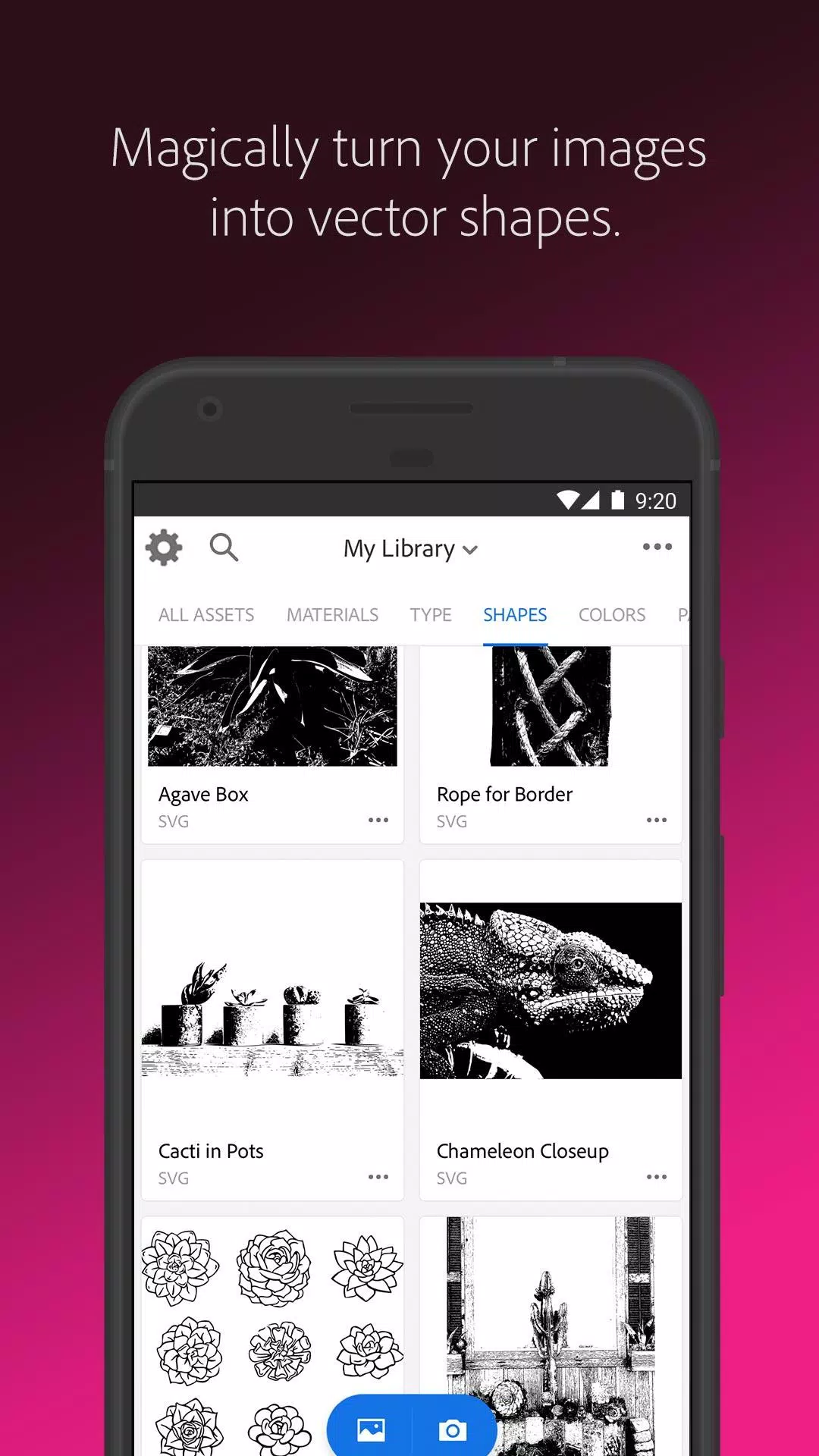
ポスターが好きですか、それとも写真をスケッチや鉛筆の絵に変換したいですか? Adobe Captureを使用すると、Shapes機能を使用してベクターを即座に作成できます。カメラを任意の画像または描画に向けて、それが1〜32色の滑らかで詳細なスケーラブルなベクトルに変換され、ロゴ、イラスト、アニメーションなどに最適に変換されます。
**タイポグラフィを特定**
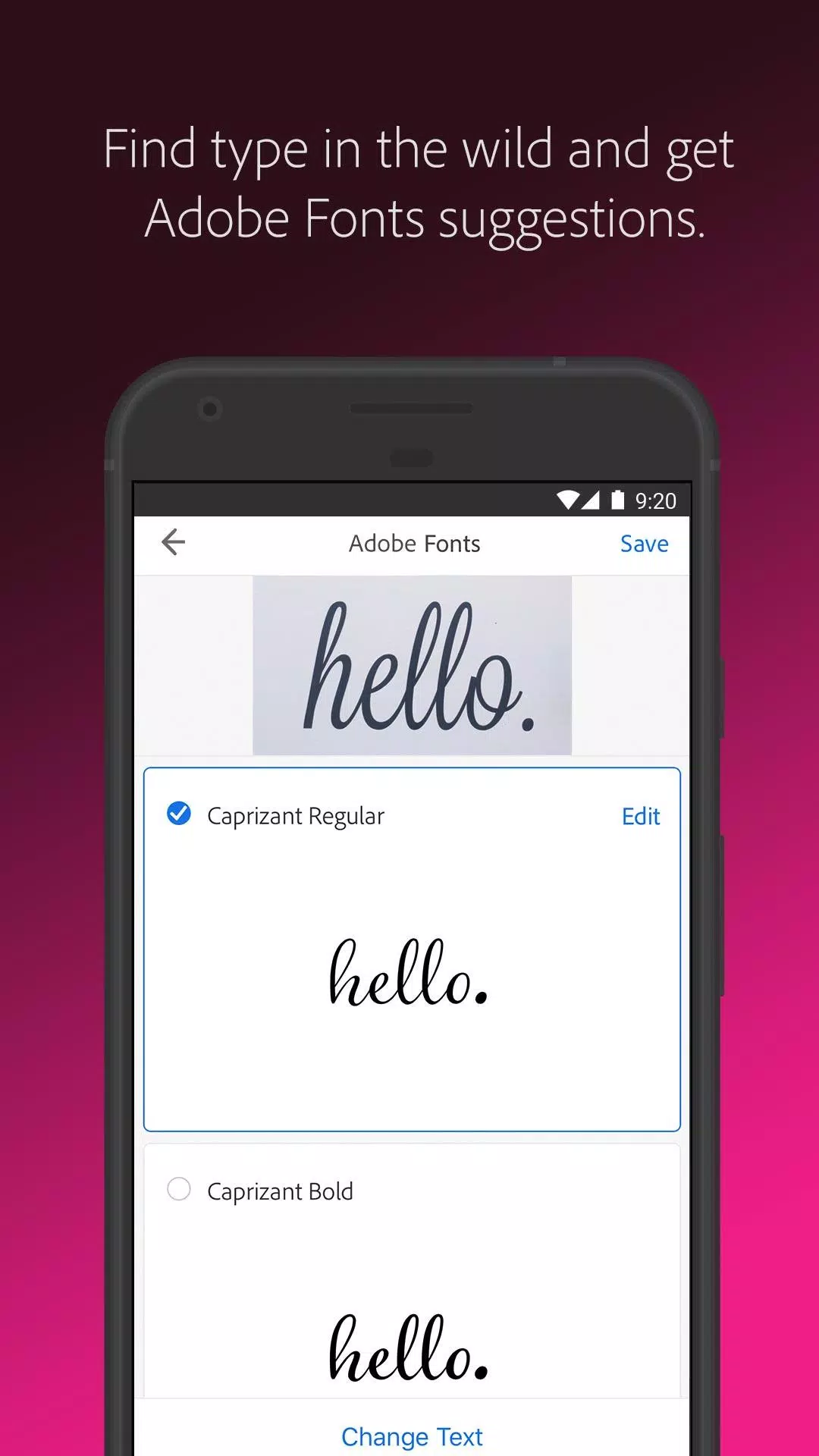
フォントファインダーが必要ですか? Adobe Captureは、雑誌、ラベル、サイン、またはその他のソースからテキストの写真を撮るだけで、完璧なフォントを発見するのに役立ちます。同様のAdobeフォントのリストが魔法のように表示され、使用できるようになります。
**色のテーマとグラデーションを作成**
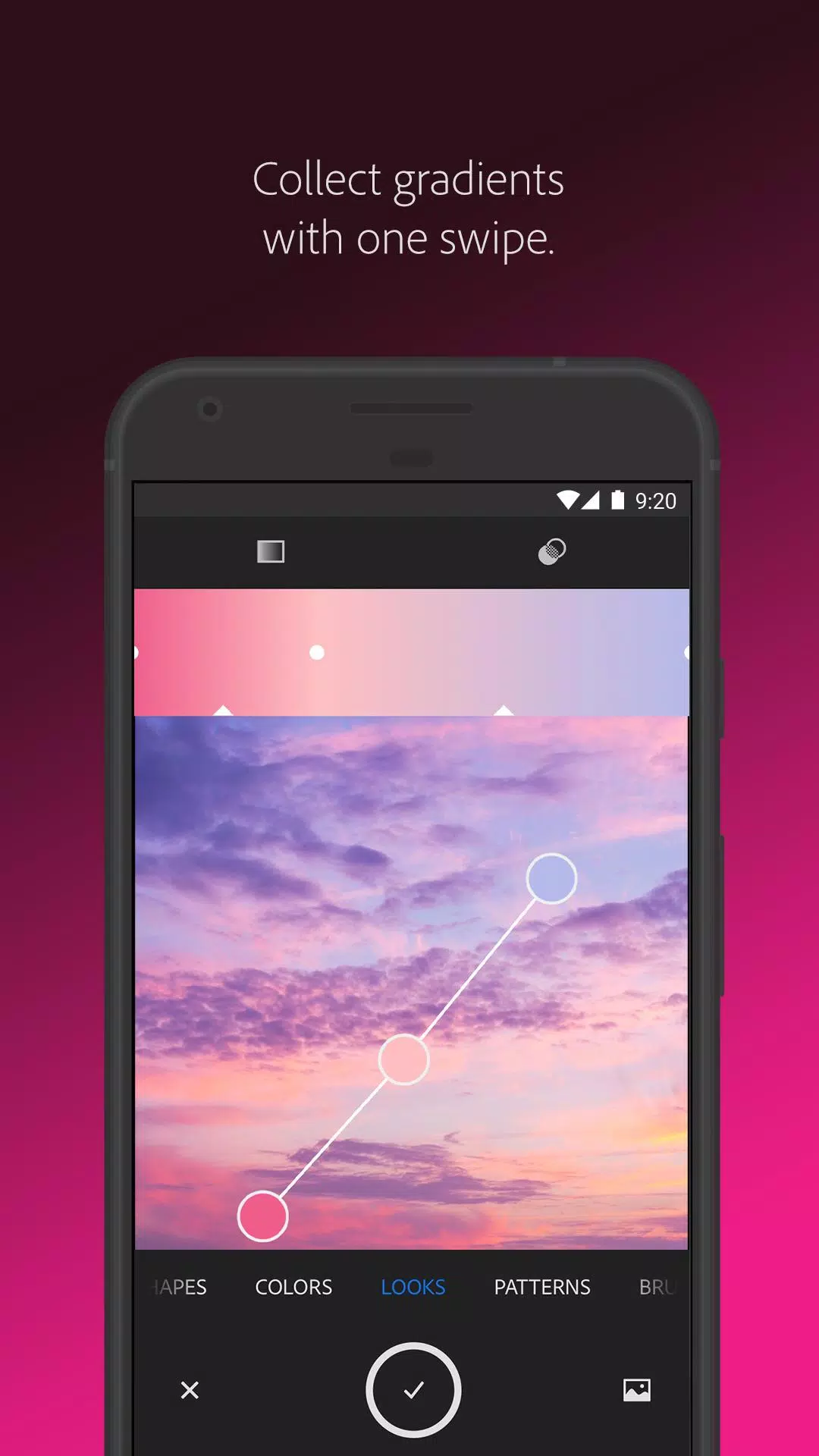
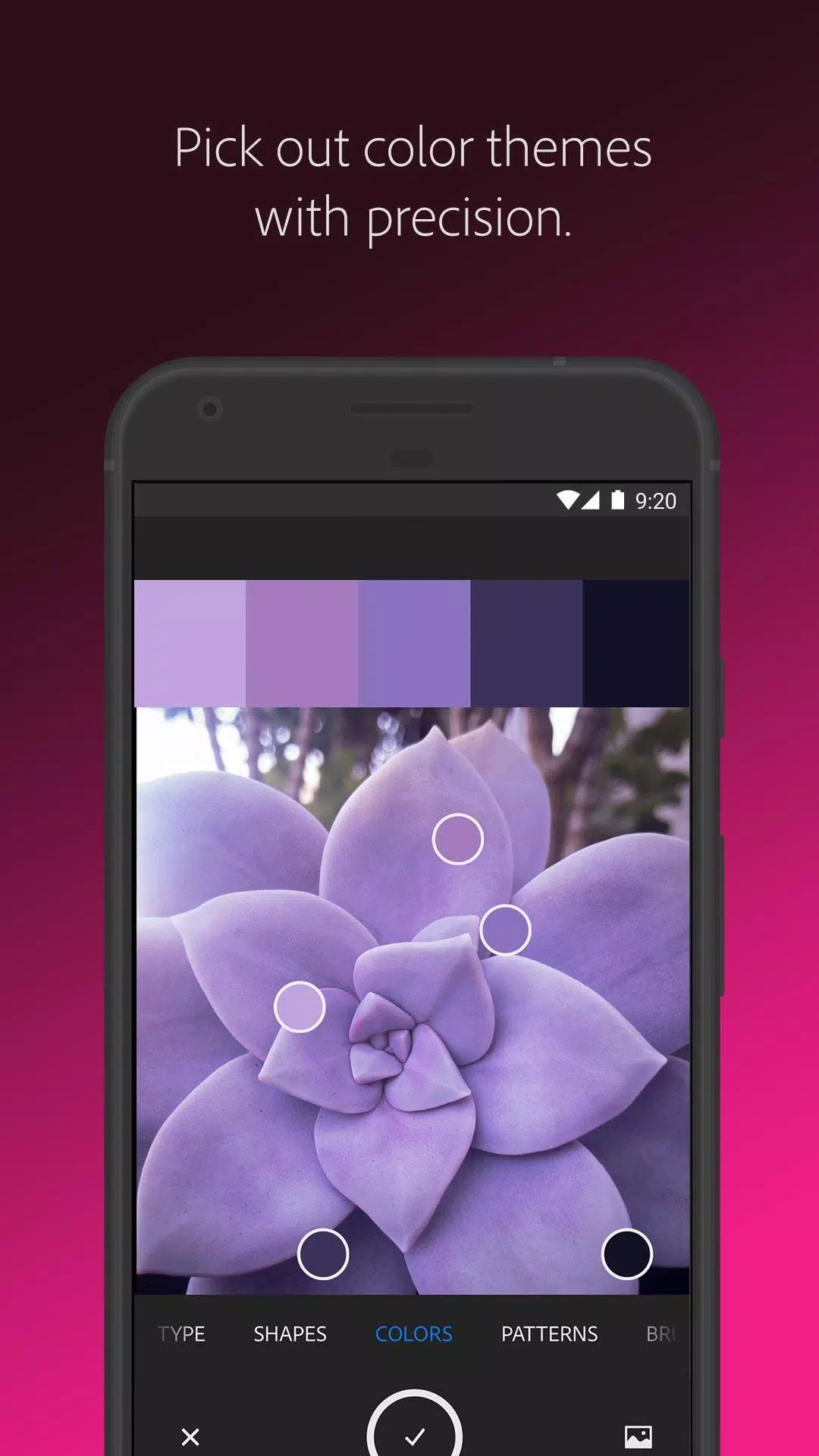
カスタマイズされたカラーパレットやグラデーションを探しているデザイナーにとって、Adobe Captureがツールです。任意のシーンでカメラを目指して、必要な色をキャプチャし、アートワークで使用します。カラーマッチ、カラーピッカー、または数字または16進数で色を見つける必要があるかどうかにかかわらず、Adobe Captureでカバーしています。
**美しいデジタルブラシを構築します**
あなたの絵に適したブラシが見つかりませんか?写真をキャプチャするか、画像を使用して、創造的なビジョンに合わせたブラシを作成します。これらのブラシをPhotoshop、Illustrator、またはFrescoのブラシを使用して、豊かで絵画的なエフェクトを使用してください。
**複雑なパターンをクラフト**
壁紙が大好きですか、それともパターンターをお探しですか?刺激的な画像をキャプチャし、プリセット幾何学を使用してパターンを生成します。 Pattartatorとして知られるPrecision Pattern Builderを使用して、クリエイティブプロジェクトを強化する美しくカラフルなパターンを簡単に作成できます。
** 3Dテクスチャを生成**
カメラから直接3Dデザイン用のリアルなPBR材料を作成します。テクスチャを追加するために素材を調整するか、3Dオブジェクトにシームレスな繰り返しタイルを付けるためにエッジをブレンドします。
**光と色をキャプチャ**
写真愛好家の場合、Adobe Captureを使用すると、光と色合いを集めて、ルックスを使用して画像やビデオの美しい色グレーディングプロファイルに変身できます。夕日の魔法をキャプチャし、写真やビデオプロジェクトにその雰囲気を適用してください。
Adobe Captureは、色のマッチング、カラーピッキング、写真からスケッチへの変換、パターン作成、フォント検索、ベクターグラフィックなど、グラフィックデザインのニーズに対応するオールインワンソリューションです。 Pixelcut、Photoroom、バックグラウンド消しゴム、Canvaなどの編集者などのツールと、Photoshop、Fresco、Indesign、SVG、Pantone、Creative Cloud、Adobe Express、Vectornator、Lightroom、SubstanceなどのAdobe独自のスイートと互換性があります。
**クリエイティブな要素をシームレスに同期する**
すべての要素はAdobe Creative Cloudライブラリに保存され、すべての互換性のあるアプリケーションでクリエイティブクラウドアカウントからインスタントアクセスできるようになります。
Adobe Capture is a MediaPost Appy Award winner from 2016 and is compatible with numerous Adobe applications and programs such as Photoshop, Photoshop Express, Adobe Fresco, Photoshop Sketch, Premiere Pro, Illustrator, Adobe Photoshop Mix, Adobe Illustrator Draw, InDesign, Dimension, After Effects, Dreamweaver, Animate, Adobe Photoshop Fix, Adobe XD, Adobe Spark Post, CCエクスプレス、およびキャンバ。
** 2GBファイルストレージ**
無料の基本的なクリエイティブクラウドメンバーシップには、ファイルの同期と共有のための2GBの無料ストレージが含まれています。
Adobe Use of Use: https://www.adobe.com/legal/terms-linkfree.html
アドビプライバシーポリシー: https://www.adobe.com/privacy/policy-linkfree.html
Adobe Capture のスクリーンショット
レビュー
コメントを投稿する
トレンドのゲーム
トレンドのアプリ





![Neko Paradise – New Version 0.18 [Alorth]](https://img.1q2p.com/uploads/03/1719595169667ef0a1c529a.jpg)






最新記事
もっと
『スノウブレイク:コンテインメントゾーン』が2.5周年記念イベントを継続、新たな報酬も追加
Sep 20,2026
『マリオカートワールド』発売、200ccモードは未実装
Sep 20,2026
情感豊かで可愛いビジュアルパズルアドベンチャー『Boxville 2』がリリース開始
Sep 14,2026
スーパーミロの冒険:Androidで事前登録now
Sep 10,2026
