
Application Description
Introducing Build My PC - Part Picker, the definitive Android app for building your custom computer with ease. This fast and responsive app delivers a smooth, lag-free experience through an intuitive interface, enabling you to choose components like CPUs, motherboards, GPUs, RAM, SSDs, and hard drives to create your perfect PC. It automatically filters for compatible parts to simplify selection and notifies you of any incompatibilities for a trouble-free setup. Estimate total power draw, manage consumption, and save, rename, duplicate, or delete your custom builds. Customize part prices, swap components, and pick your local currency—Build My PC - Part Picker is tailored for every user’s needs worldwide.
Features of Build My PC - Part Picker:
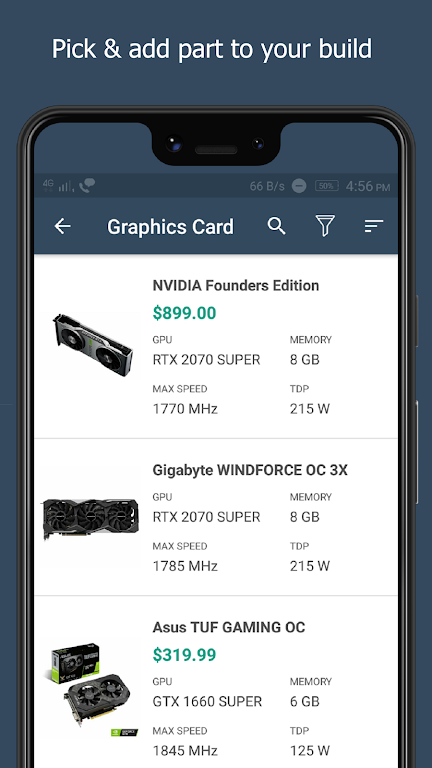
❤ Simple, Convenient Part Selection: Build your PC without hassle. An intuitive interface lets you easily pick components including the processor, motherboard, graphics card, RAM, and more. Compatibility is handled automatically—only parts that work together are shown.
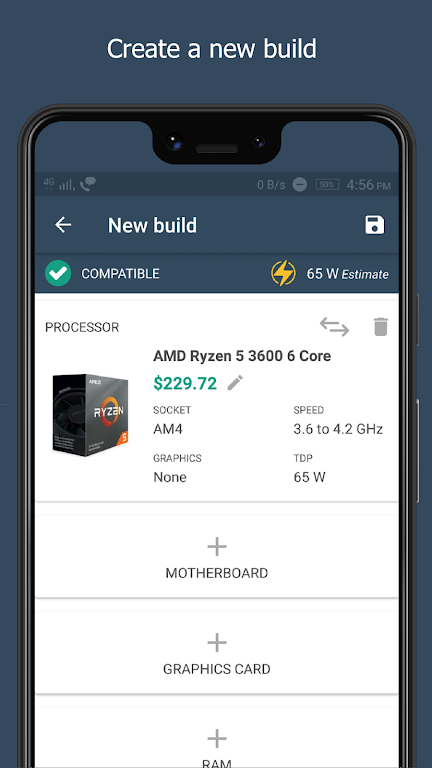
❤ Incompatibility Warnings: Avoid mistakes with built-in alerts. The app warns you if selected parts aren’t compatible, ensuring a smooth and error-free building process.
❤ Power Consumption Calculator: Make informed choices about your PC’s energy use. The app estimates your build’s approximate wattage, helping you balance performance and efficiency while avoiding an overloaded power supply.
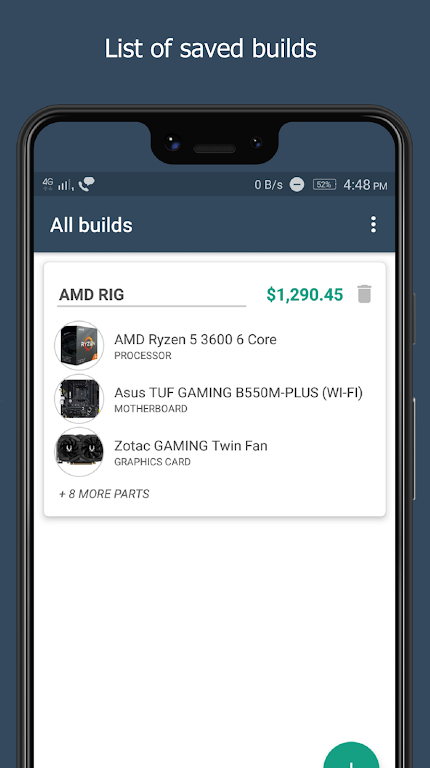
❤ Manage Custom PC Builds: Save, organize, and personalize your builds effortlessly. Store multiple configurations, rename or duplicate them, and easily compare different setups as you refine your ideal PC.
Tips for Users:
❤ Research and Compare Prices: Use the app’s custom price feature to input current market prices. Compare deals to stay on budget without sacrificing quality.
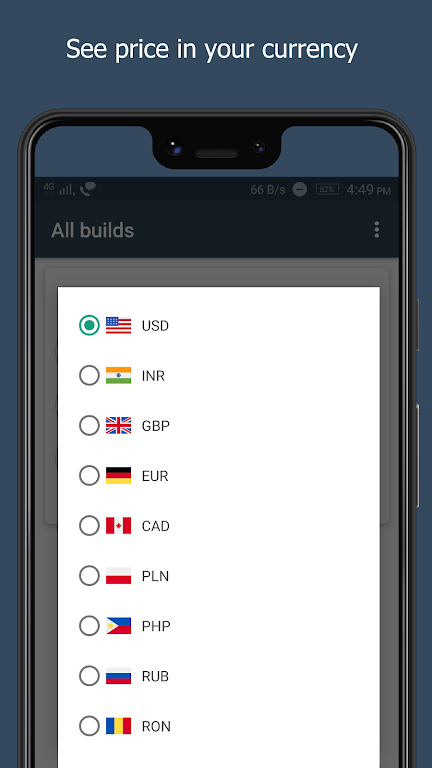
❤ Use the Local Currency Option: With worldwide currency support, select your preferred currency to see accurate local pricing. This makes budgeting for your build straightforward, no matter where you are.
❤ Check User Reviews and Recommendations: While the app checks compatibility and power, reading user reviews and recommendations for specific parts can provide extra insight into real-world performance and reliability.
Conclusion:
Build My PC - Part Picker is a must-have tool for PC builders and enthusiasts. Its user-friendly part selector, compatibility warnings, and wattage calculator simplify custom PC assembly. Saving and customizing multiple builds allows for experimentation and cost comparison, helping you find the best configuration for your budget. By using customizable pricing and local currency display, you can track current market rates and make smart purchasing decisions. Enjoy this lightweight, fast app and build your dream PC with confidence and ease.
Build My PC - Part Picker for Screenshots
Reviews
Post Comments
Trending Games
Trending apps





![Neko Paradise – New Version 0.18 [Alorth]](https://img.1q2p.com/uploads/03/1719595169667ef0a1c529a.jpg)






Topics
More
Latest Articles
More