Application Description
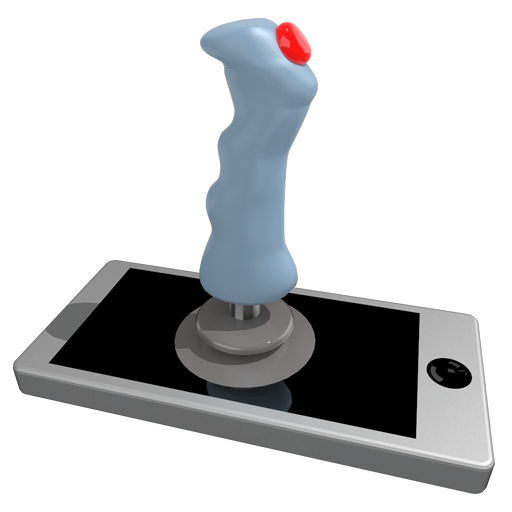
Transform Your Device into a Gaming Controller
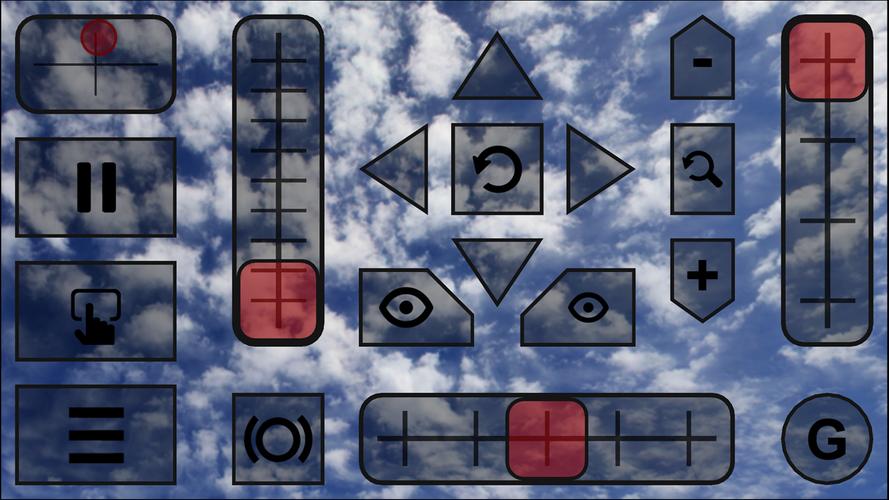
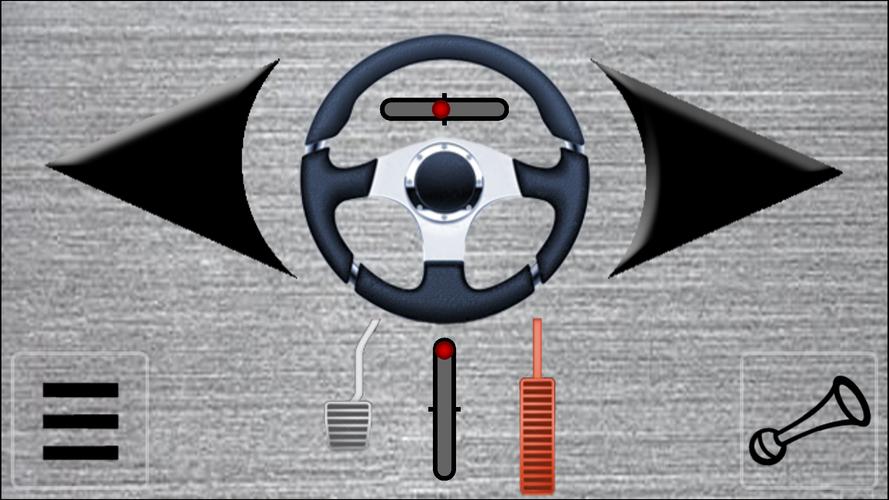
Use your Android smartphone as a versatile gaming controller - convert it into a joystick, steering wheel, gamepad, mouse or keyboard compatible with 99% of PC games.
Pre-Made Controller Skins Available For:
- Red Bull Air Race Game
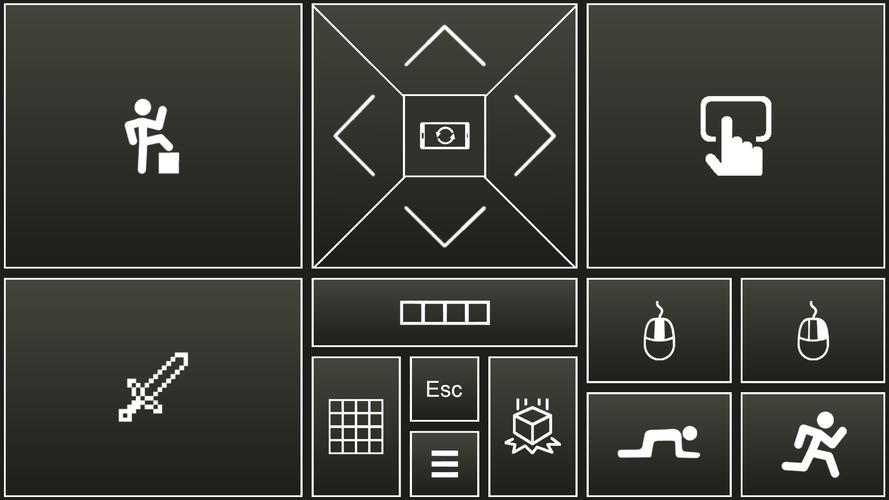
- Minecraft
- Counter-Strike
- World of Tanks
- Microsoft Flight Simulator
- And many more titles...
Key Features:
- Emulates genuine plug-and-play joystick recognized by PC systems
- Full keyboard and mouse emulation capabilities
- Completely customizable control skins
- Create your own skins using XML, PNG, and MP3 files for any PC game
Getting Started:
- Install PocketGamepad server on your PC (Download here)
- Install PocketGamepad app on your smartphone
- Launch the server application on your PC
- Open the app on your smartphone
- Navigate to Menu → Connect → Search for server → Connect
Using Controller Skins:
- Navigate to Menu → Skins (Games)
- Select your desired skin and tap Play
Customizing Skins:
- Select a skin
- Go to Menu → Edit Skin
- Tap any button to customize it
- Save your changes via Menu → Save As
- Select Menu → Finish Editing when complete
Important Note: The PC game must be in focus (not running in background) for controls to work properly.
For technical reference on creating custom skins, view the XML schema documentation:
http://www.pgpad.com/downloads/doc/xml_schema.pdf
What's New in Version 3.7
Last updated: January 9, 2020
- New Minecraft controller skin
- Added Counter-Strike optimized skin
- Included World of Tanks configuration
- Complete skin redesign and optimization
- Improved connection stability
- WiFi connection quality indicator on menu
- Multiplayer functionality added
- Redesigned user interface
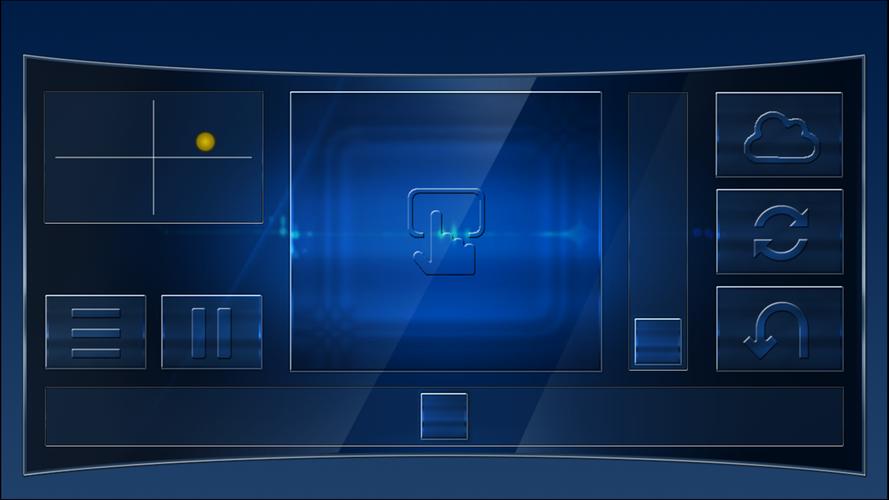
Pocket Gamepad Screenshots
Reviews
Post Comments
Trending Games
Trending apps




![Neko Paradise – New Version 0.18 [Alorth]](https://img.1q2p.com/uploads/03/1719595169667ef0a1c529a.jpg)