Application Description
Transform your mobile experience with the Galaxy S24 Style Launcher
The Galaxy S24 Launcher 2023 delivers a sleek, intuitive, and powerful interface. Designed for all Android 5.1+ devices, it brings the cutting-edge Galaxy S22+ launcher experience to your fingertips.
Desktop-Inspired Design:
Experience the Galaxy S24 Style Launcher, inspired by the Galaxy S10. Personalize your device with a unique, high-performance interface that mimics a desktop computer, perfect for impressing friends and sharing your setup.
Key Features:
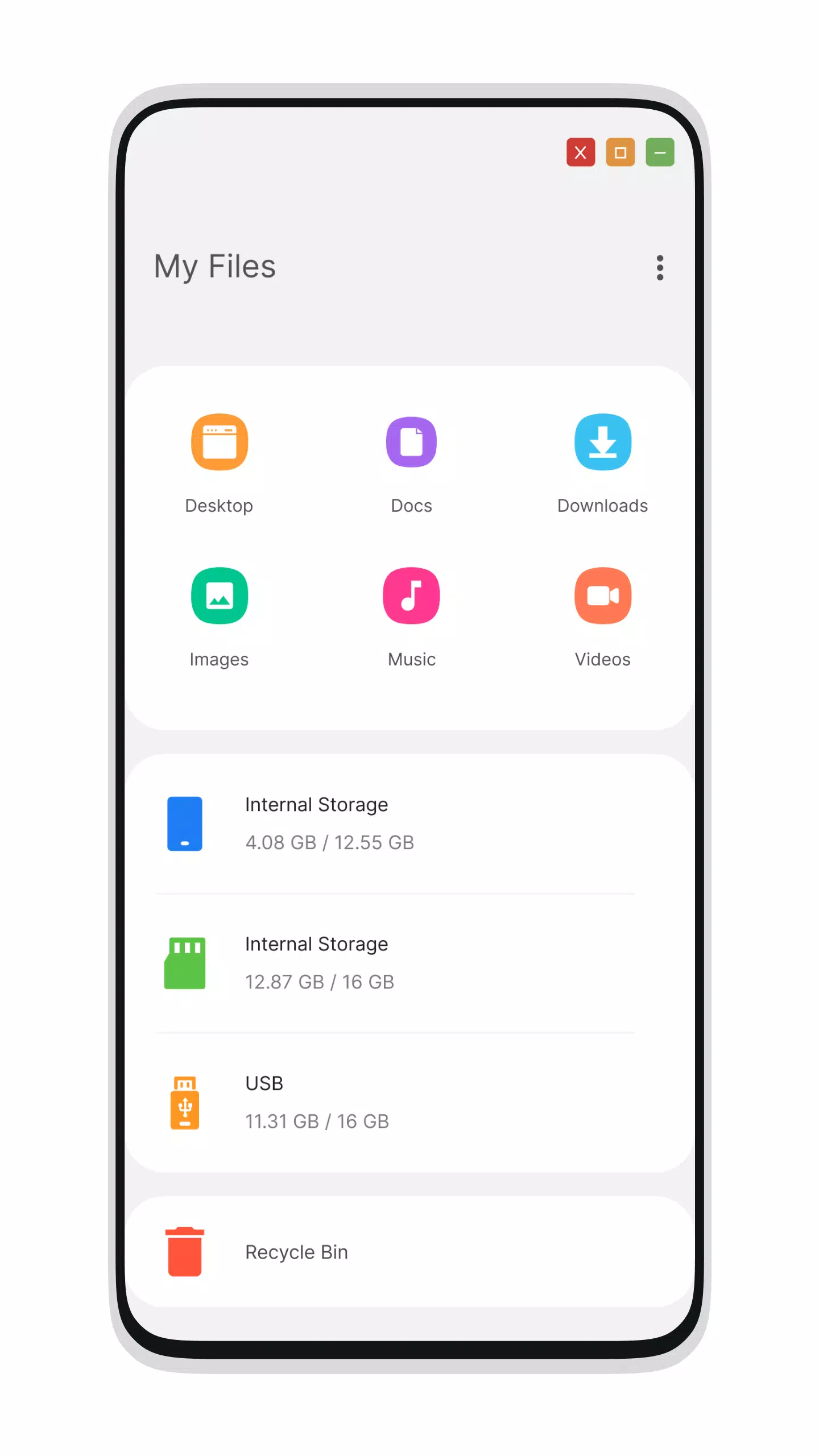
File Manager
- Integrated File Explorer functionality
- Full folder operations: create, cut, copy, paste, move, delete, and share files
- Comprehensive storage browsing with PC-style organization for drives, SD cards, media files, and photos
- Native support for ZIP/RAR file extraction
- Advanced file sharing capabilities and more
- Navigate your file system effortlessly with this desktop-style file manager.
Menu System
- Galaxy S23-style Start Menu
- Elegant application tiles in Start Menu layout
- One-click access to favorite apps with customizable desktop shortcuts
- Streamlined app navigation
- Galaxy S23-inspired Taskbar
- Recycle Bin functionality for temporary file storage
Settings
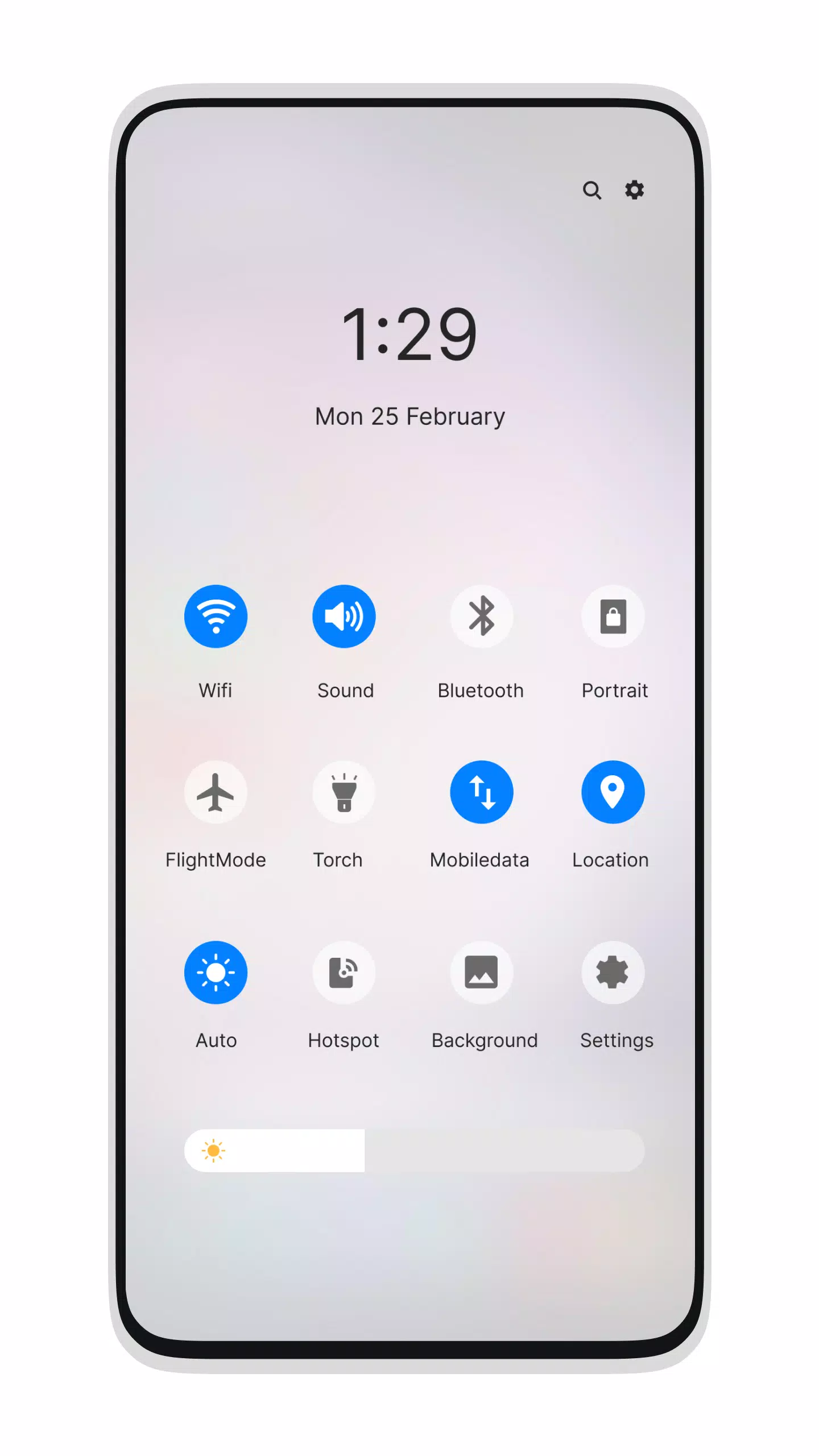
- Galaxy S23-style Action Center with notification management
Enhanced Functionality
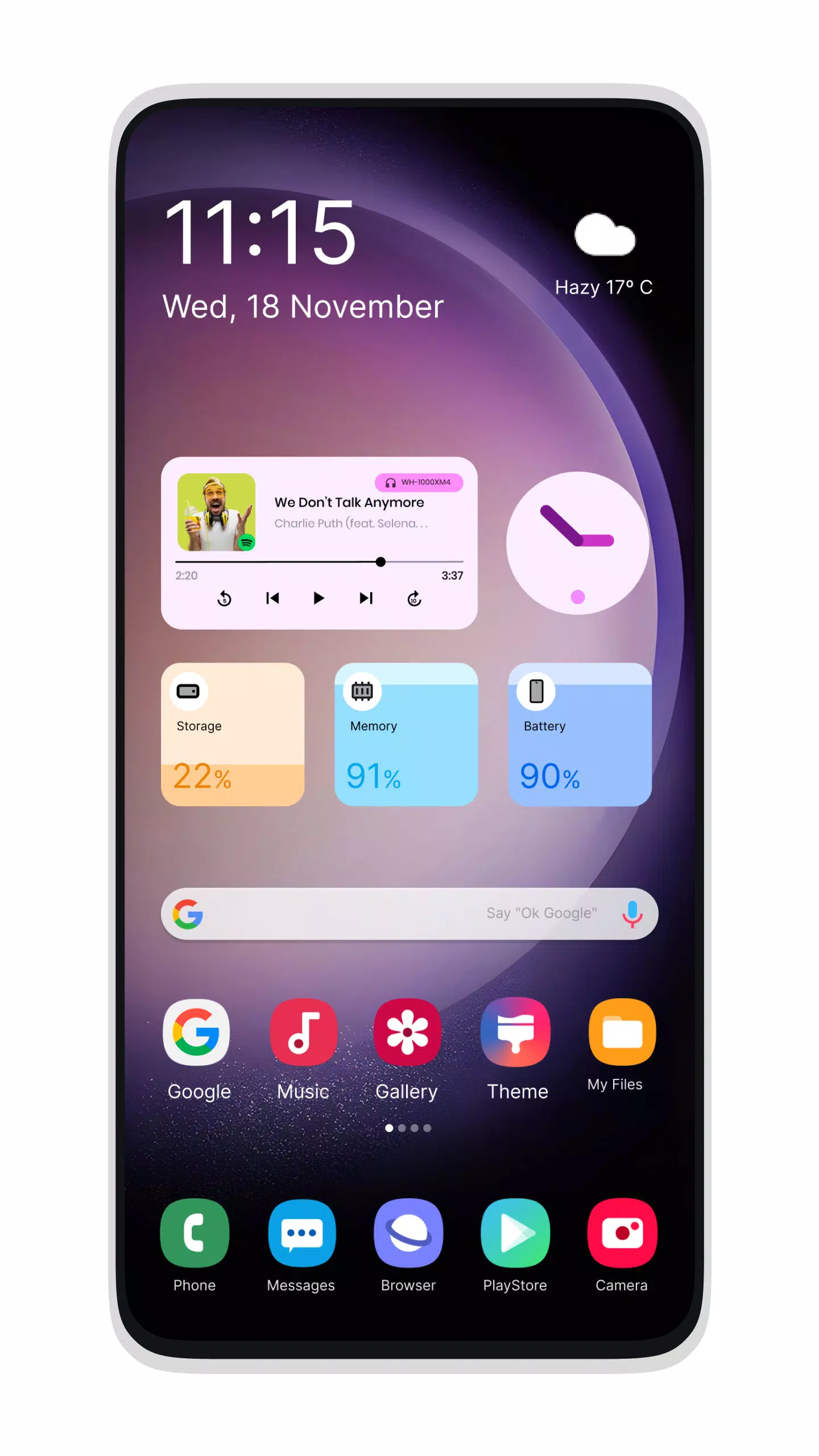
- Customizable Desktop Widgets
- Android O-style desktop menu
- Improved drag-and-drop functionality
- Clock Widget
- Weather Widget
- RAM monitoring widget
- Modifiable desktop folders
- Live Wallpaper support
- Customizable photo tiles
- Removable Taskbar icons
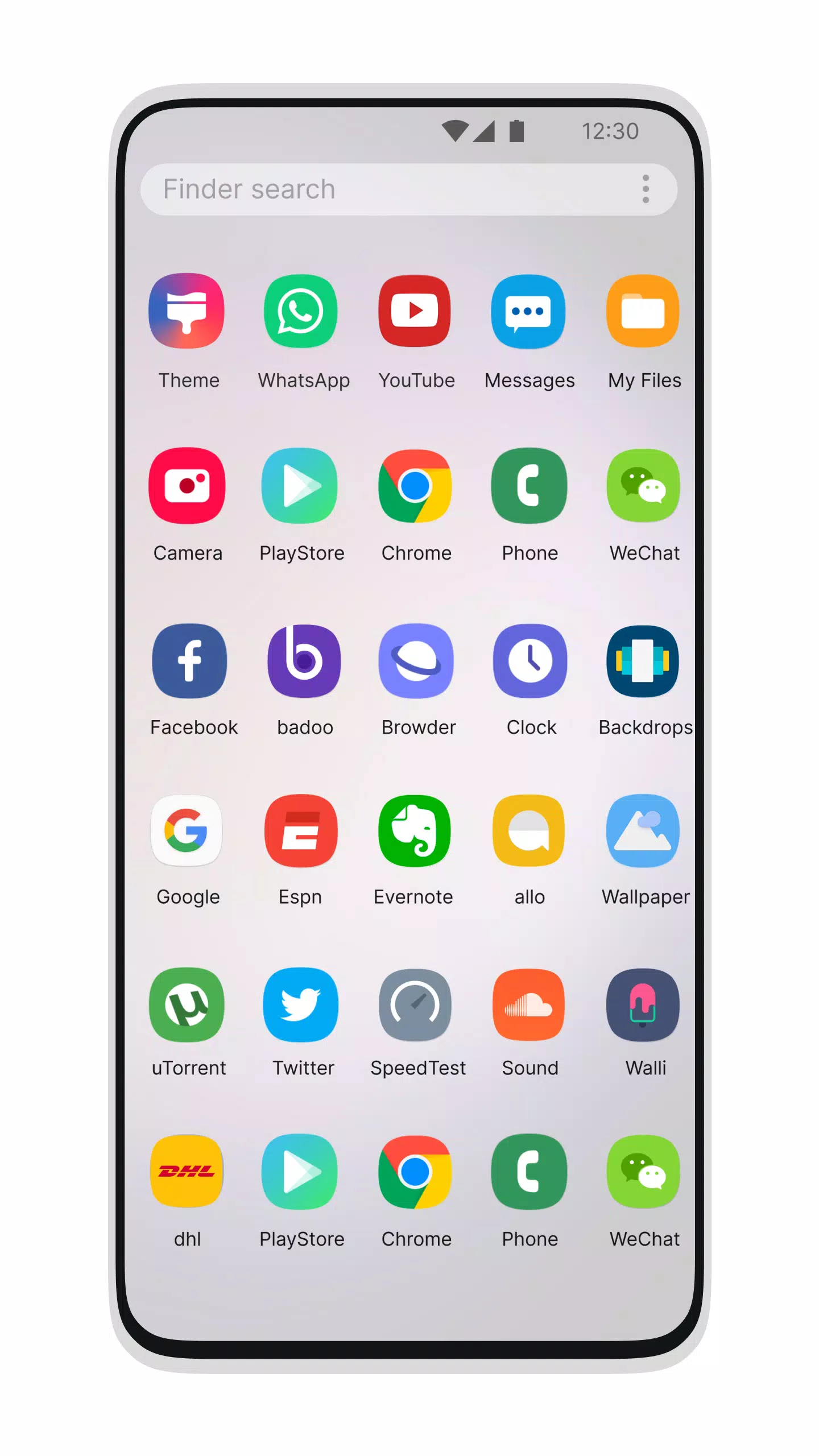
- Desktop application folders
- Added Weather, Calendar, and Photos tiles
- Adjustable Taskbar transparency
- Expanded theme compatibility
- Optional multi-tasking mode
- Lock Screen customization
- Multi-color Taskbar and menu options
- Theme and Icon Pack support including Android TV/Tablet
- App hiding feature
- Removable desktop icons
- Premium Start Menu app management
- Customizable Start Menu apps
- Editable Taskbar applications
- Integrated Gallery functionality
- Adjustable Photo Tiles
- Desktop-mode widgets
- Built-in applications (including Photo Viewer)
What's New in Version 3.2
Last updated on Oct 22, 2024
- Fixed folder creation issues
- Resolved icon sizing within folders
Galaxy S24 Style Launcher Screenshots
Reviews
Post Comments
Trending Games
Trending apps





![Neko Paradise – New Version 0.18 [Alorth]](https://img.1q2p.com/uploads/03/1719595169667ef0a1c529a.jpg)