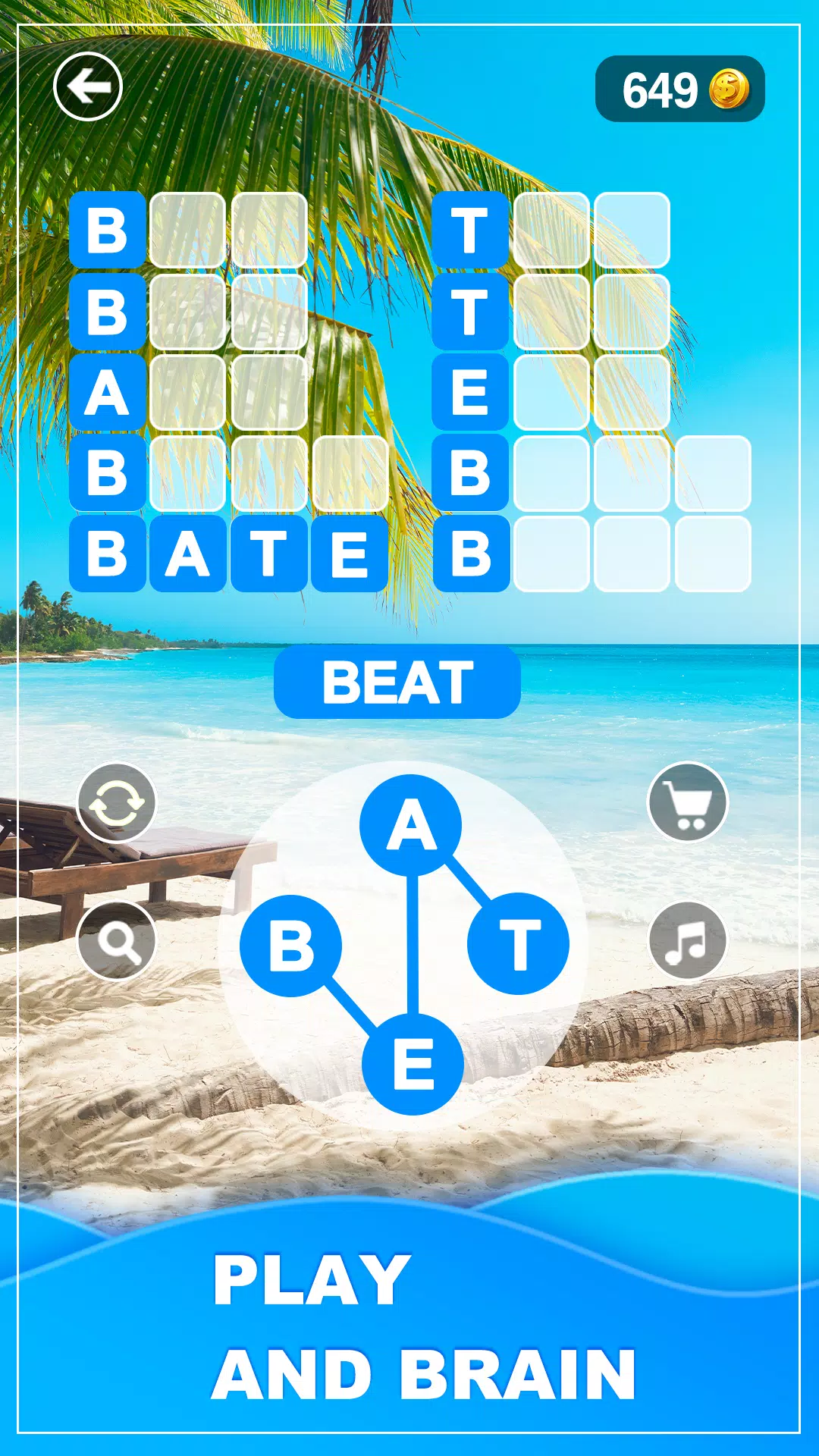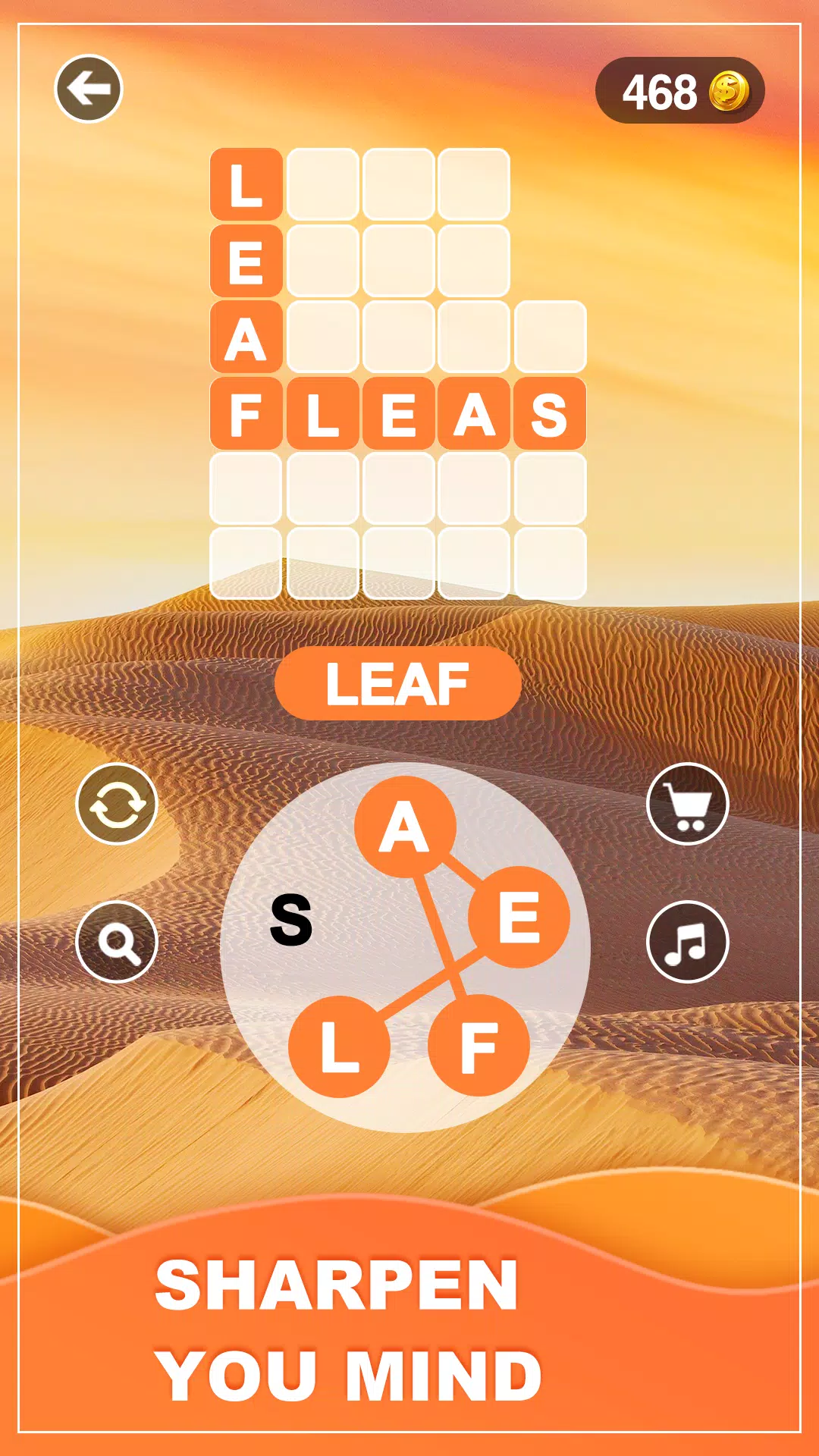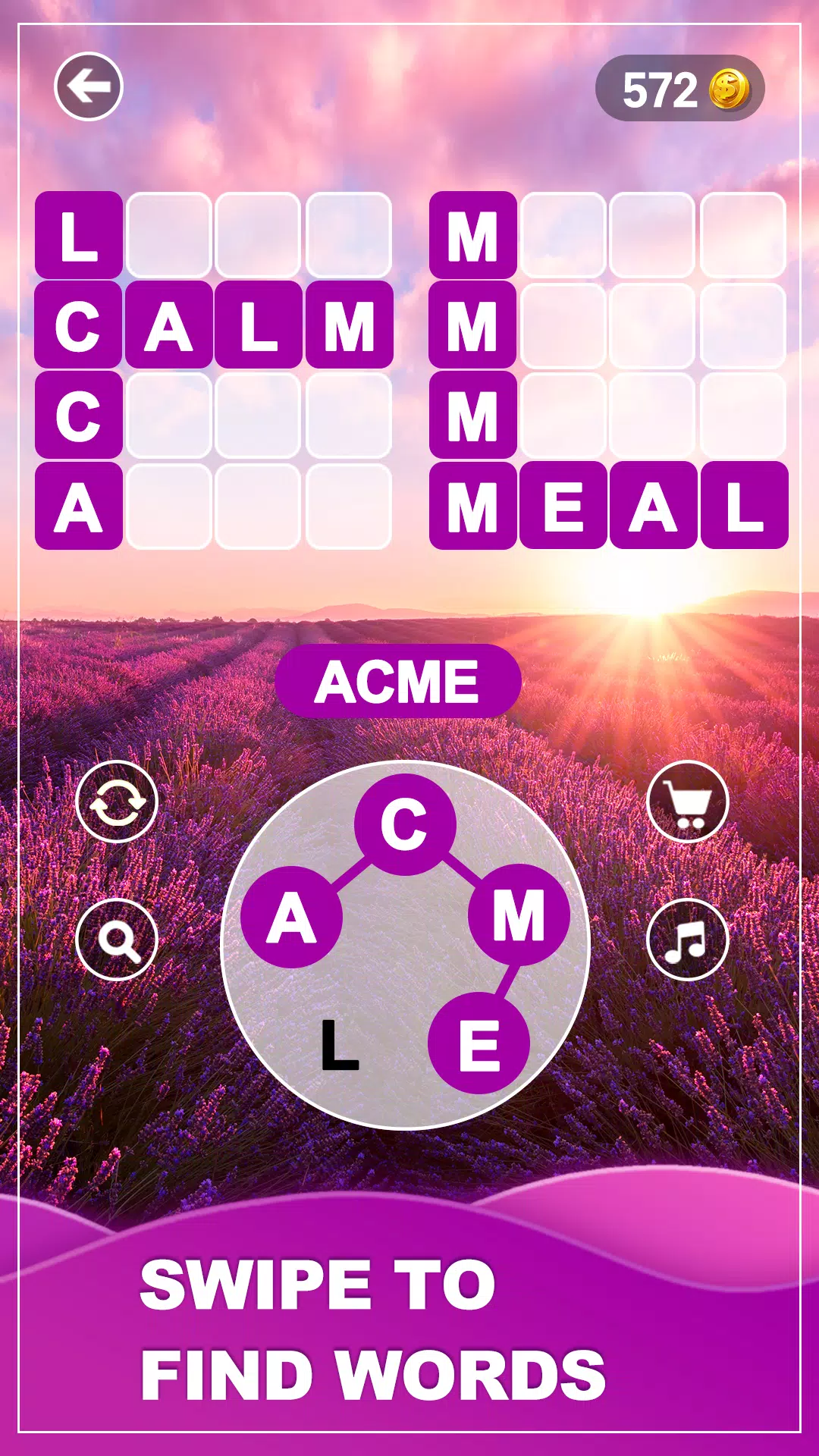
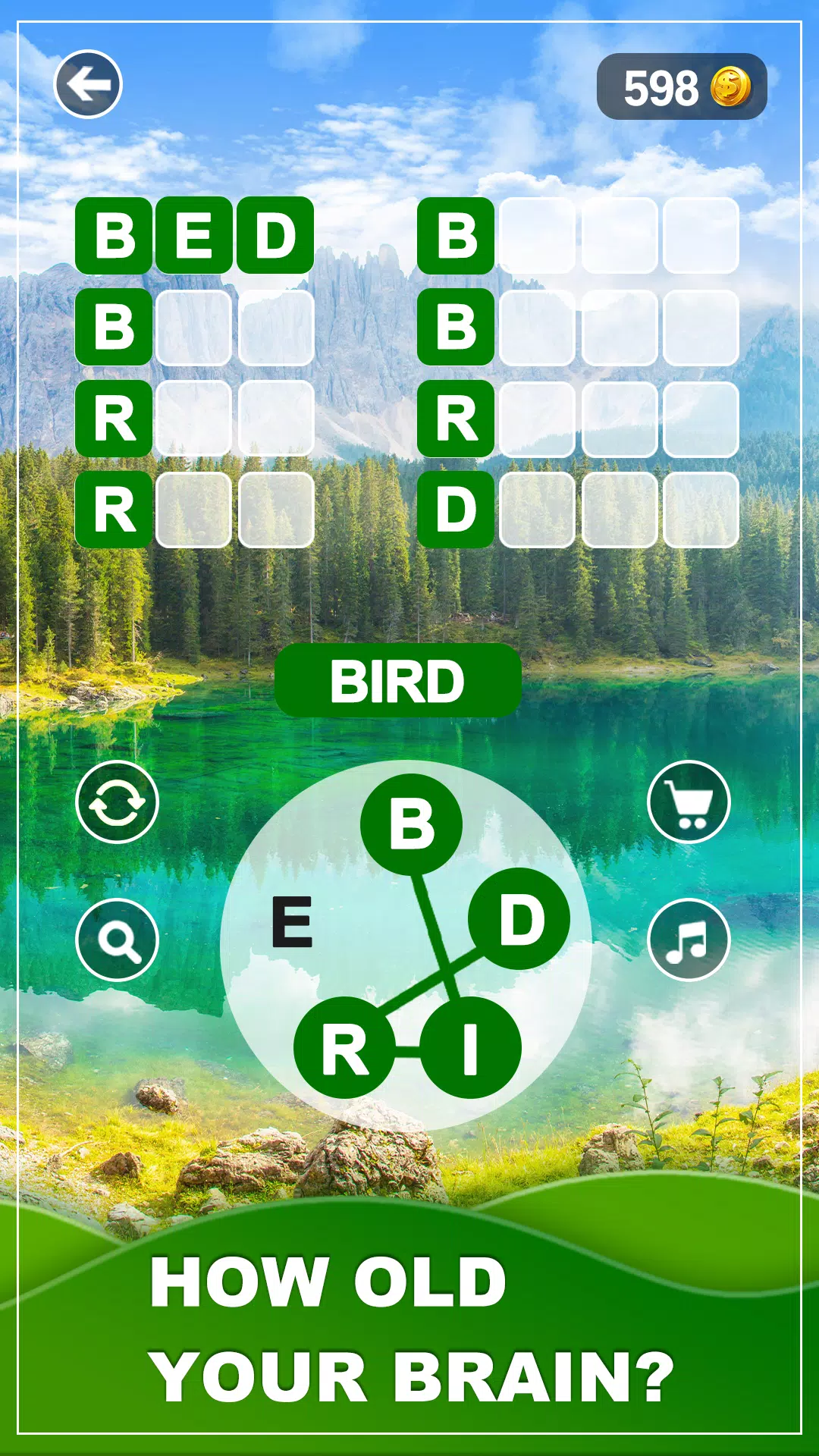
Sumérgete en el mundo sereno de Word Vista, un juego de rompecabezas de palabras cautivador y relajante diseñado para aquellos con pasión por los desafíos del cerebro inteligente. ¿Eres fanático de los juegos de palabras clásicas? ¿Disfrutas de la emoción de conectar letras para formar palabras? ¡Entonces Word Vista es tu escape perfecto!
¡Bienvenido a Word Vista, el mejor juego de palabras fuera de línea gratuito adaptado para adultos! Este juego va más allá de los rompecabezas tradicionales de palabras, ofreciendo un viaje tranquilo donde puedes relajarte, recargar y mantener tu mente aguda. Sumérgete en una atractiva aventura de palabras que combina la relajación sin problemas con los desafíos de las burlas cerebrales.
Word Vista no es solo otro crucigrama o juego de búsqueda de palabras. Es una experiencia única elaborada que prueba su vocabulario y habilidades de ortografía. Busque y conecte letras para descubrir palabras ocultas en cada nivel. Con miles de niveles para explorar, Word Vista garantiza interminables horas de búsqueda de palabras, conexión y entrenamiento cerebral. ¿Estás listo para convertirte en un maestro de palabras?
REFLEJOS
Juego de palabras nuevo y relajante
Aléjese de los juegos de palabras clásicos y ingrese al tranquilo mundo de Word Vista. Sin pistas cruzadas o sugerencias fáciles, confíe en su vocabulario e ingenio para navegar a través de cada nivel de palabra y desafío diario.
Una experiencia de refuerzo del cerebro
¡Siente que tu mente se despierta con cada rompecabezas de palabra! Word Vista es más que un juego clásico de palabras; Es un entrenamiento cerebral que evoluciona contigo, empujándote a pensar más profundamente. ¿Puedes conquistar todos los desafíos de las palabras?
Un viaje de calma y relajación
Diseñado para calmar, Word Vista ofrece temas de naturaleza serena, música de fondo zen y sin límites de tiempo, solo usted, las palabras y un entorno pacífico. Deja tu estrés atrás y sumérgete en tu zen con cada rompecabezas.
Características clave
Desafiante juego cerebral: prueba tu vocabulario, las habilidades de conexión de palabras y ortografía con miles de rompecabezas de palabras únicos y desafiantes.
Relajante juego: disfrute de una experiencia sin estrés sin temporizadores ni presión.
Juego fuera de línea: ¿No hay internet? ¡Ningún problema! Juega en cualquier lugar, en cualquier momento.
A medida para todos: perfecto para adultos que disfrutan de los juegos de palabras desafiantes pero calmantes.
Recompensas diarias: inicie sesión diariamente para ganar bonos que ayuden con rompecabezas duros.
Eventos especiales: asume desafíos de palabras exclusivos y demuestre su dominio.
Hermoso diseño zen: los impresionantes fondos zen y la música tranquila crean un ambiente relajante para mejorar la paz y el enfoque.
Ya sea que esté buscando relajarse o mantener su mente afilada, Word Vista es su elección perfecta. Es el juego ideal para la calma, el desafío y un escape tranquilo del estrés diario.
Descargue Word Vista ahora y Embárate en tu viaje de exploración de palabras y entrenamiento cerebral. ¡Encuentra la paz en los rompecabezas de palabras y haz que cada momento sea zen y relajante!
¿Qué hay de nuevo en la última versión 1.0.4?
Última actualización el 30 de octubre de 2024
1. Experiencia de usuario optimizada
2. Errores solucionados
Word Vista capturas de pantalla
Publicar comentarios
-
1、Tasa
-
2、Comentario
-
3、Nombre
-
4、Correo electrónico
Duck Detective: Ghost Glamping is the thrilling sequel to Duck Detective: The Secret Salami, and it's now available for fans of mystery, humor, and feathery sleuthing!
After solving the case of the missing salami, Detective Duck is back on the case—this time with a twist. When a mysterious glamping site in the misty moors starts experiencing strange happenings—phantom footprints, floating campfires, and a hauntingly catchy lullaby—Duck Detective is called in to uncover the truth behind the ghostly goings-on.
With his trusty magnifying glass, trench coat (slightly damp from a recent pond dive), and a knack for catching clues in the most unlikely places, Duck Detective dives headfirst into a world of eerie echoes, enchanted marshmallows, and a suspiciously polite specter.
But beware—this isn’t just a case of the supernatural. Behind every ghostly whisper lies a secret, and Duck Detective is determined to find out who—or what—is really behind the haunting.
Packed with wit, whimsy, and a whole lot of quacks, Duck Detective: Ghost Glamping Is Out Now is perfect for fans of cozy mysteries, animal sleuths, and anyone who’s ever wondered if ghosts actually need a tent.
Grab your flashlight, pack your picnic, and follow the clues—because in the world of Duck Detective, even the spookiest nights are solved with a little detective work… and a very good sandwich.
🦆 Available now on all major platforms!
The Elder Scrolls V: Skyrim – Complete Upgrade Guide (2024 Edition)
Optimize your gameplay, unlock the full potential of the game, and experience Skyrim like never before—whether you're a new player or a veteran returning to the world of Tamriel.
🌟 Why Upgrade Skyrim?
Skyrim was originally released in 2011, but thanks to an incredible modding community and official enhancements, it’s more powerful and polished than ever. With the Skyrim Special Edition (2016) and Skyrim Anniversary Edition (2021), and now Skyrim VR (2023), the game is better than ever.
This guide covers everything: official upgrades, modding, optimization, performance tips, and gameplay mastery.
🔧 Step 1: Get the Right Version
✅ Skyrim Anniversary Edition (Recommended)
Release Date: 2021 (PC, PS5, Xbox Series X|S, Switch)
Includes:
All base game + all DLCs (Dawnguard, Hearthfire, Dragonborn)
Improved graphics, 4K support, 60 FPS on consoles
New texture packs, lighting, and visual polish
All three DLCs are free with base game
Platforms: PC, PlayStation 5, Xbox Series X|S, Nintendo Switch (enhanced version)
Best for: New players, console players, and those who want a polished experience without modding.
💡 Note: The Anniversary Edition is only available on PC via Steam, Xbox, and PlayStation. It’s not available on older consoles.
🎮 Step 2: Install the Best Mods (PC Players Only)
If you're on PC, modding is the ultimate upgrade. Here’s how to get started.
🔥 Must-Have Modding Tools:
Nexus Mods – The #1 mod hosting site.
Vortex Mod Manager (by Nexus Mods) – Best for managing mods.
LOOT (Load Order Optimization Tool) – Automatically sorts your mod load order.
🔗 Download Vortex and LOOT first before installing any mods.
🛠️ Essential Mod List (2024) – The "Skyrim 2.0" Experience
Mod
Purpose
Why It’s Great
Skyrim Script Extender (SKSE64)
Enables advanced scripting
Required for most modern mods
Frostfall
Survival-style weather, stamina, hunger, cold
Makes the world feel alive and dangerous
Immersive Armors & Weapons (IAW)
Realistic, customizable gear
Better visuals, more variety
Unofficial Skyrim Special Edition Patch (USSEP)
Fixes bugs, glitches, and broken quests
MUST INSTALL
Realistic Weather & Day/Night Cycle
Dynamic weather, snow, thunderstorms
Immersive atmosphere
Improved NPC Dialogue
NPCs talk more naturally
Fixes awkward lines
Skyrim Rebalanced (SR)
Makes leveling fairer, enemies stronger
Fixes common "OP" issues
Seamless Weather & Lighting (SWL)
Better lighting, fog, and transitions
Stunning visuals
Path of the Dragon (POTD)
New story, new quests, new abilities
A full-fledged expansion
Radiant UI (for new UI)
Modernized HUD, better menus
Easier to navigate
💡 Pro Tip: Use Mod Organizer 2 if you want full control over your mod setup (more advanced).
🚀 Performance Optimization (For Low-End PCs)
Even with modding, you can run Skyrim smoothly.
✅ Optimization Tips:
Use a lightweight texture pack like Skyrim Textures Enhanced (SSE) instead of 4K ultra.
Enable V-Sync to reduce screen tearing.
Lower draw distance in Skyrim.ini (if using a mod like Frostfall).
Use a mod like ENB Series – for lighting and atmospheric effects (requires GPU tuning).
Disable unused mods – keep your load order clean.
🎮 Recommended Settings for 60 FPS on 1080p:
Resolution: 1920x1080
Texture Quality: Medium
Draw Distance: Medium
Shadows: Low
VSync: On
Use Skyrim Performance Patch to fix FPS drops.
🧠 Gameplay Mastery: Tips to Become a True Dragonborn
🔥 Leveling Up Faster:
Skills to Focus On: Archery, Restoration, Sneak, Illusion, and One-Handed.
Use The Ultimate Skill Tree for balanced progression.
🐉 Dragonborn Powers:
Dragon Shouts (Thu'um): Learn shouts like Bend Will, Frost Breath, and Soul Tear.
Fus Ro Dah in Real Time: Use Dragon Shouts Real-Time (DSRT) to make shouts more immersive.
🗺️ Explore the World:
Hidden Dungeons: Check out [Dawnguard Vampire Castle], [Soul Cairn], [Skaal Village], and [The Midden].
Random Encounters: Use Random Encounters (RE) for unique side quests.
📦 DLCs: What You’re Missing Without Them
All DLCs are included in Skyrim Anniversary Edition, but here’s what they add:
DLC
Key Features
Dawnguard
Vampires, werewolves, vampire hunters, new weapons, and a major story arc
Hearthfire
Build your own home, adopt children, and raise a family
Dragonborn
New island (Solstheim), new race (Dunmer), new shouts, and a full expansion story
✅ All DLCs are free with Anniversary Edition.
🎨 Visual and Audio Upgrades
Skyrim Sound Rebalance (SSR) – More immersive music and sound effects.
4K HDR Textures (by Vampirism) – For 4K monitors.
Improved Skyrim (IS) – A full overhaul with new textures, lighting, and animations.
🎮 Play with Friends? Try Multiplayer Mods
Skyrim Online (Multiplayer) – Let you team up with others in real time.
Skyrim VR (2023) – Play with Oculus Quest 2/3, Pico, or SteamVR.
🔥 Skyrim VR is not a mod—it’s a full official VR experience.
🏆 Final Verdict: Is Skyrim Still the Best Game in 2024?
Yes.
Over 500,000 mods available.
Regular updates and new content.
Active community and yearly events (e.g., Skyrim Day).
Still one of the most replayable games ever made.
✅ Summary: Your 2024 Skyrim Upgrade Checklist
Task
Status
✅ Get Skyrim Anniversary Edition (PC or console)
☐
✅ Install Vortex + LOOT
☐
✅ Install USSEP (Unofficial Patch)
☐
✅ Add Frostfall, IAW, SR, SWL
☐
✅ Optimize performance (for low-end PCs)
☐
✅ Try Skyrim VR (if you have VR gear)
☐
✅ Explore all DLCs
☐
✅ Join the community (Discord, Reddit r/skyrim)
☐
📚 Bonus: Where to Learn More
Reddit: r/skyrim, r/skyrimmods
Discord Servers: The Nexus, Skyrim Vault
YouTube Channels:
The Unofficial Skyrim Modding Guide
Skyrim Noob
Dave’s Skyrim Adventures
✨ Final Thought:
Skyrim isn’t just a game—it’s a living world. With the right upgrades, it’s more immersive, beautiful, and fun than ever.
"The world is vast, the dragons are real, and your legend is just beginning."
— Skyrim, 2024
🎮 Ready to start your journey? Launch Skyrim, and step into legend.
Let me know if you want a custom mod list based on your PC specs or a full mod installation tutorial!