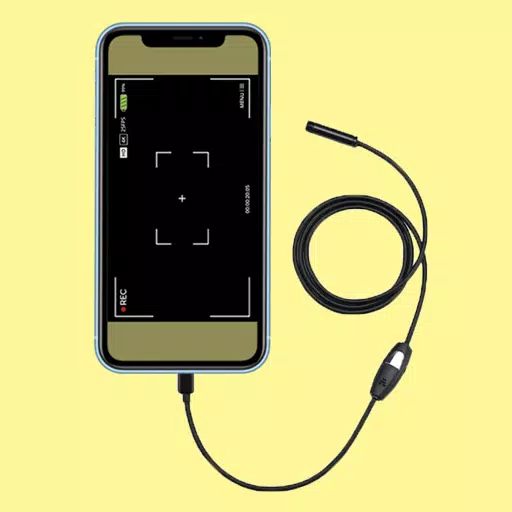
Application Description
Endoscope camera app to connect with an endoscope or compatible USB devices.
The Endoscope Camera app connects to your endoscope cam, USB camera, borescope, inspection camera, or other external devices like sewer inspection cameras.
How to use the Endoscope Camera app
First, open the app and plug your endoscope camera into your phone via USB. Tap the camera icon and click OK. Your endoscope camera will now be active, allowing you to capture photos and record videos. To view your media, return to the home screen and tap the gallery. Here you can browse all photos. Swipe left to view your recorded videos. Tap any video to select a player and start playback. To delete media within the gallery, long-press an image or video and tap the delete icon.
How does the Endoscope app work?
The Android Endoscope Camera app connects to your external borescope via USB OTG. It uses the microphone for recording audio with video and employs the gallery for saving, accessing, and managing your pictures and videos.
Common uses for an endoscope camera device:
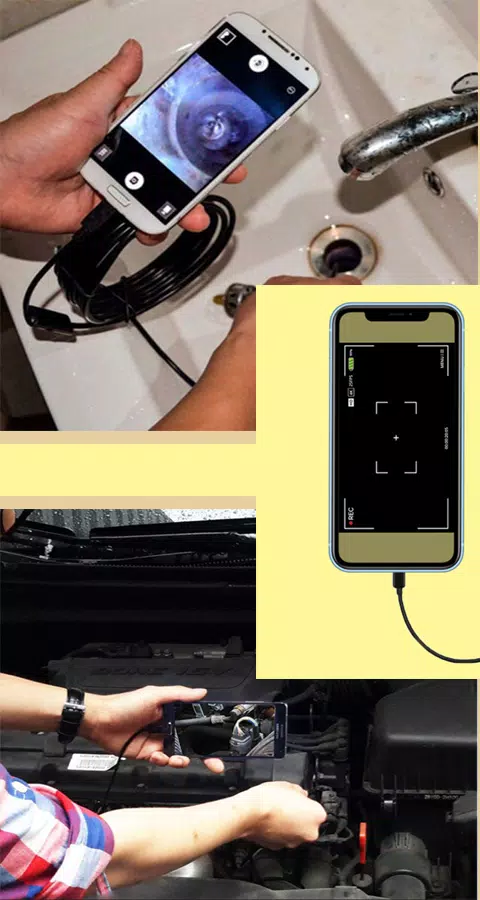
A borescope or endoscope is versatile. Use it to inspect blocked drains and see inside pipes, potentially eliminating the need for a dedicated drain unblocking camera or immediate plumbing repairs. It functions effectively as a sewer inspection camera.
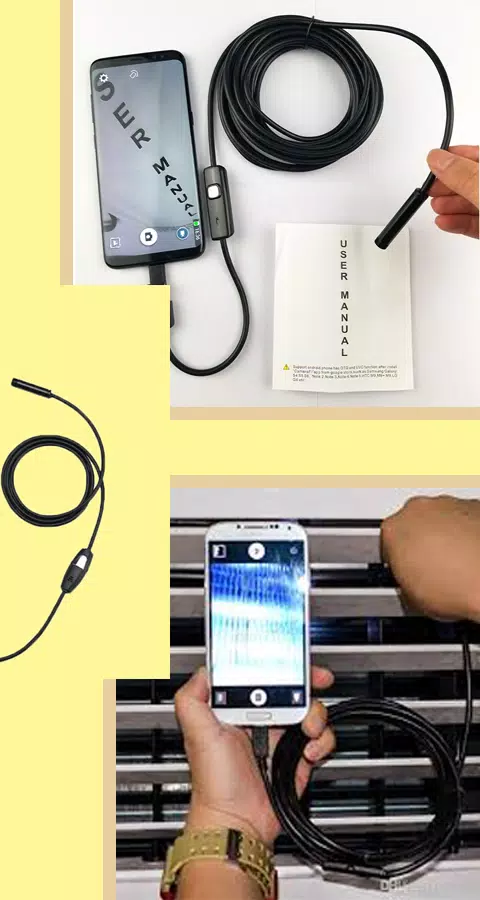
* Verify the camera is connected via an OTG USB cable.
* Easy USB OTG Endoscope Camera connection.
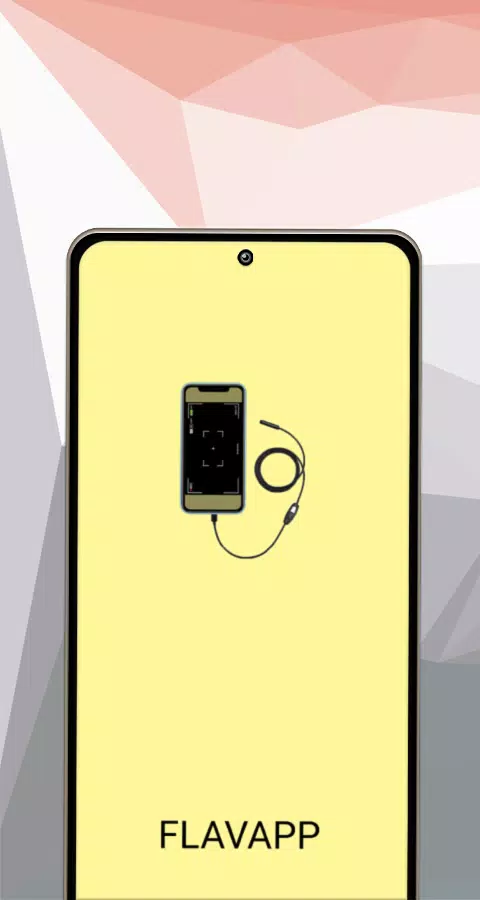
Camera endoscope / OTG USB Screenshots
Reviews
Post Comments
Trending Games
Trending apps





![Neko Paradise – New Version 0.18 [Alorth]](https://img.1q2p.com/uploads/03/1719595169667ef0a1c529a.jpg)






Topics
More
Explore the World of Casino Games
Personalize Your Android: Top Apps for Customization
Unique Wallpaper Apps for Every Style
Exciting Action Packed Games for Android
Top Travel Planning Applications
Top Productivity Apps to Streamline Your Workflow
Personalize Your Android Experience with These Apps
Explore the World of Casino Adventure Games