
Application Description
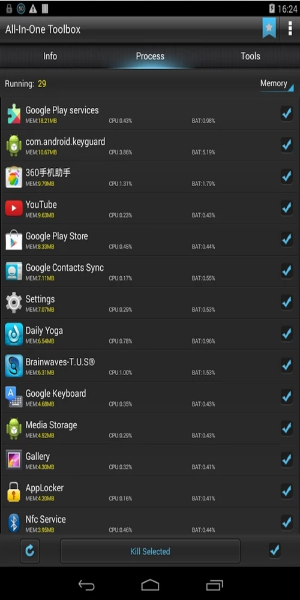
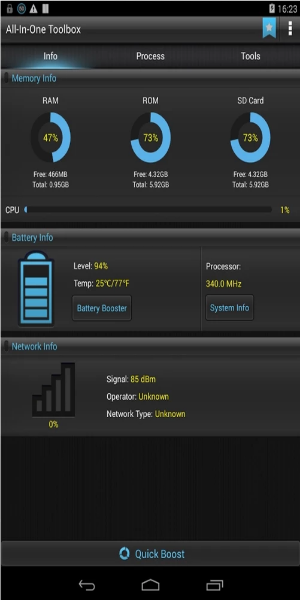
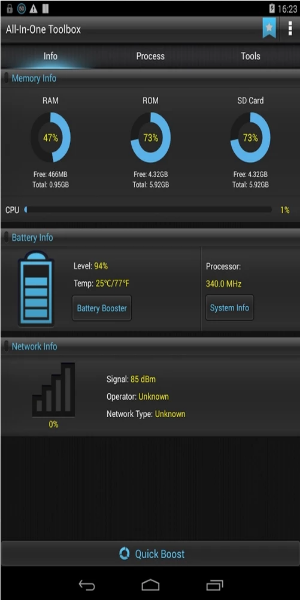
All-In-One Toolbox is a powerful suite of utilities for Android. It helps you free up storage, boost device speed, optimize memory, extend battery life, lock down privacy, manage files and apps, and much more. Easily organize your apps in seconds, browse files on your system, and make various adjustments—all from one convenient place.
What Can All-In-One Toolbox Do for You?
Clean Junk Files Efficiently
If you want to clear memory quickly without spending a lot of time, All-In-One Toolbox is the perfect choice. As the name suggests, it’s a complete, all‑in‑one app that works seamlessly without unnecessary complications. Over time, phones can slow down, often because junk files pile up in storage. To keep your device running smoothly, All-In-One Toolbox offers strong cleaning tools to remove app caches, free up RAM, and delete search histories that cause lag. Using these features helps maintain peak performance for a faster, more responsive smartphone experience—with very little effort. Launcher Manager and System Booster
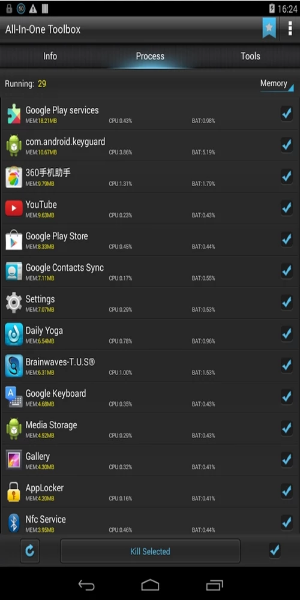
Battery drain is often caused by apps running in the background, using power and memory. You can solve this by turning on the feature that stops background apps. This prevents memory overload and makes your phone run more smoothly.
Uninstall or Remove Unnecessary Apps
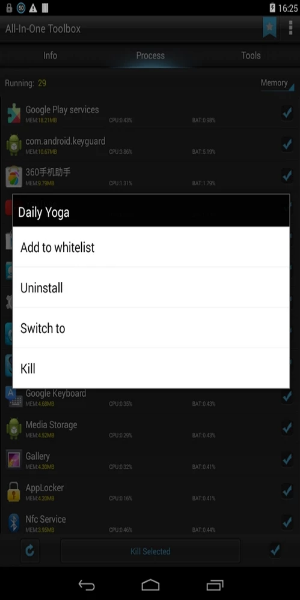
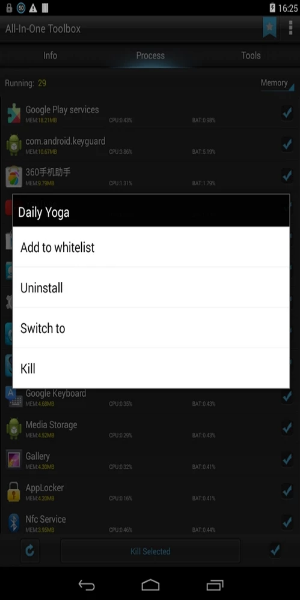
We all collect apps we no longer use, and these can take up space and slow down your phone. All-In-One Toolbox gives you a complete solution: it helps find and remove apps you don’t need, freeing up storage and improving performance. Your phone becomes lighter and works better as a result.
You can also sort and uninstall apps based on how often you use them, so you never have to worry about running out of space. Plus, it lets you arrange files neatly and get rid of useless junk.
Manage Files on Memory Cards and Enjoy Other Useful Features
Besides the tools already mentioned, this app includes many other handy options. Download multiple APK files directly to your memory card at once—no more waiting. You can also back up or restore installed apps in just a few taps.
Explore more than 29 tools that cover everything you need to optimize your phone. You can even scan barcodes for quick info and boost gaming performance to avoid lag while playing.
How to Download All-In-One Toolbox ?
Step 1: Click the Download Button
Start by tapping the download button on this page.
Step 2: Find the APK File in Your File Manager
Once the download begins, open your file manager and locate the downloaded APK file.
Note: Enable Unknown Sources
Because All-In-One Toolbox is a modified third‑party app, you’ll need to enable “Unknown Sources” in your Android settings. This allows installation from sources outside the Play Store.
Step 3: Install the All-In-One Toolbox APK
Tap the downloaded APK file, then follow the on‑screen instructions to install the app.
Step 4: Launch All-In-One Toolbox Premium
After installation, you’ll see the app icon on your home screen. Tap it to open All-In-One Toolbox Premium.
Congratulations! You’ve successfully installed and launched the app on your Android device.
Download All-In-One Toolbox Now!
When it comes to security tools, All-In-One Toolbox ranks among the best. It works with almost every smartphone model and puts your data privacy and security first. Ignoring privacy can leave you open to attacks. Installing All-In-One Toolbox is a smart move to protect your personal information from being exposed.
All-In-One Toolbox Screenshots
Reviews
Post Comments
Trending Games
Trending apps





![Neko Paradise – New Version 0.18 [Alorth]](https://img.1q2p.com/uploads/03/1719595169667ef0a1c529a.jpg)